Why notes are attached to a server
The deployed Monitor has server team-note endpoints scoped to a server the user may access. Notes can preserve human context next to monitoring evidence: what was checked, a change window, a follow-up owner, or a relevant ticket reference. They are not a place for passwords, private keys, tokens, or copied terminal output.
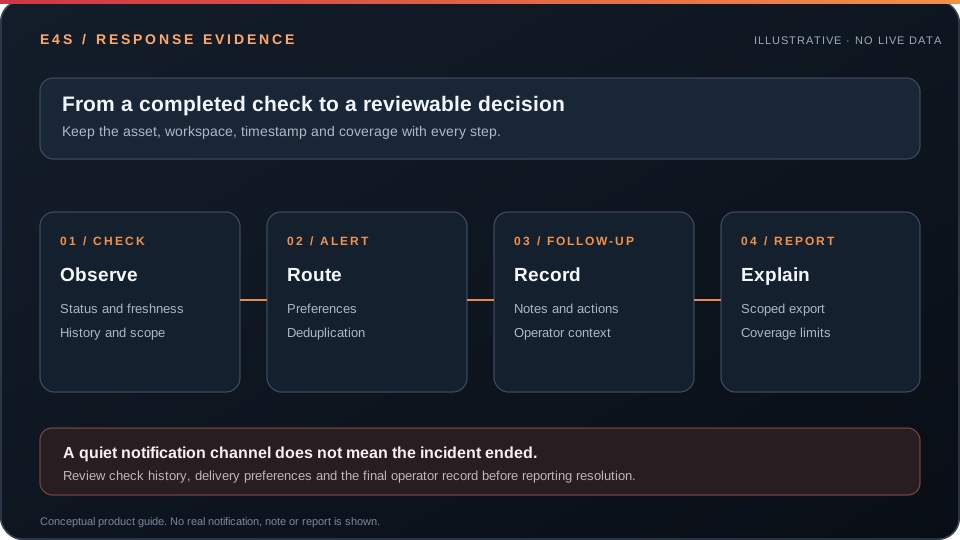
Conceptual workflow, not a customer note or product screenshot.
Adding useful context
- Open the correct server under the active workspace.
- Confirm the server identity and current check time.
- Record the observed condition and the next accountable action in a concise note.
- Reference an existing incident or support conversation without duplicating sensitive details.
- Review the latest state before declaring a condition resolved.
Note access and changes follow the Monitor server authorization rules. Pair notes with scoped reports when a customer-facing history is needed.
Before taking action
← Back to documentationConfirm the active workspace, required permission, registered asset, and freshness of the data being used.