What this view is
The deployed Monitor Live Center presents current server, website, service, and recent-alert summaries for the signed-in user. The page receives refreshed snapshots about every five seconds and displays connection and last-refresh information. Its search helps locate an asset or alert in the current view.
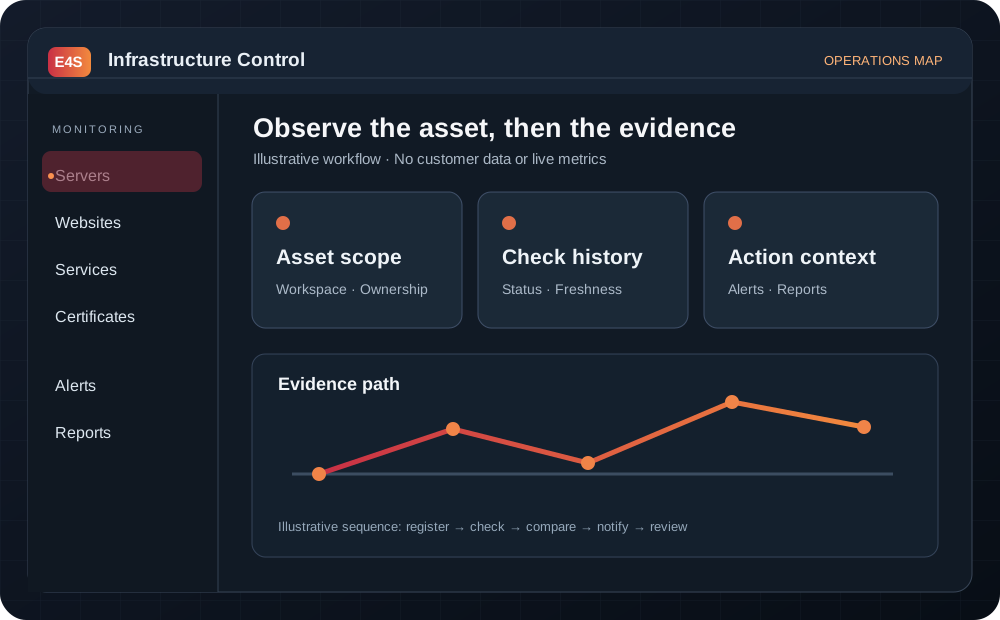
Conceptual diagram, not a screenshot or live status reading.
Review sequence
- Sign in to the Monitor and confirm the intended workspace.
- Open Live Center and read the connection indicator before relying on the counts.
- Compare the summary with the last-refresh time.
- Search for the affected asset, then open its detail and check history.
- Use the underlying alert or report record for a reviewable decision.
When the stream stalls
A stale last-refresh value is not proof that all infrastructure is stable. Reload the view, confirm connectivity, and consult the asset detail or alert investigation guide.
Before taking action
← Back to documentationConfirm the active workspace, required permission, registered asset, and freshness of the data being used.