





On this page
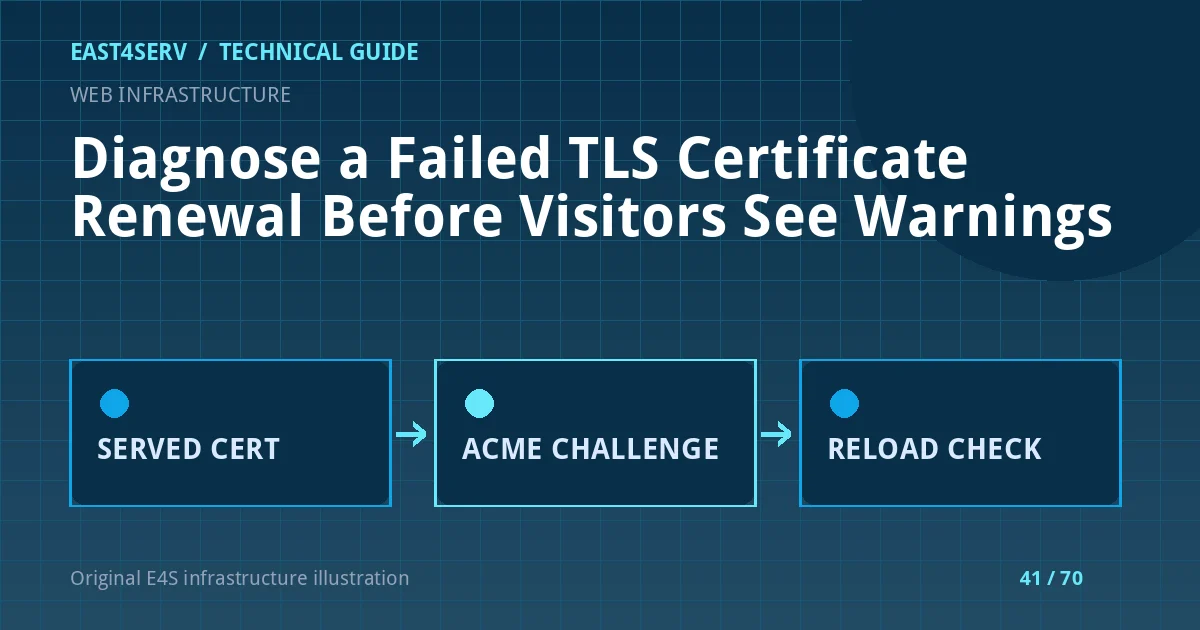
Certificate automation can fail while the current certificate still works, leaving a short window to investigate before customers see a browser warning. A useful response identifies the certificate actually served, the renewal client, the validation method and the failing layer. This guide uses Certbot and Let's Encrypt as examples; other ACME clients and certificate authorities have different commands. Run write actions only under the change process for the affected site.
Prerequisites and first checks
Record the affected hostname, certificate expiry, DNS provider, proxy chain and the service that terminates TLS. A CDN can present one certificate while the origin presents another. Do not assume a renewal file on disk is the certificate the public browser receives. Check both origin and public endpoint when authorized. Protect private keys and account credentials; never paste them into a ticket.
date -u
openssl s_client -connect example.com:443 -servername example.com </dev/null 2>/dev/null |
  openssl x509 -noout -subject -issuer -dates
Replace example.com with the domain you operate. This inspects the public certificate but does not change it. Verify the certificate chain in a browser or trusted TLS client as well; validity dates alone do not prove a valid chain or correct hostname. If the site uses IPv6, test the route that affected visitors use.
Identify the renewal mechanism
Determine whether Certbot, another ACME client, a hosting panel or a cloud load balancer owns renewal. Check the scheduled unit or job and its recent logs. Avoid launching two renewal clients for the same certificate because they can conflict or hit CA limits. For a Certbot installation, review its certificate inventory and renewal configuration without editing it yet.
certbot certificates
systemctl list-timers --all | grep -i certbot
journalctl -u certbot --since '2 days ago' --no-pager
Unit names vary by package; use the actual timer and logs. The certbot certificates output may include certificate paths and domains; keep it private. If renewal completed but the old certificate is still served, inspect the web server's configured certificate path and deployment hook before asking the CA for another certificate.
Match the failure to the ACME challenge
HTTP-01 requires the validation request to reach the challenge path on port 80. A proxy, redirect, DNS mismatch, firewall rule or web-root change can block that request. DNS-01 requires a correct TXT response from the authoritative DNS path; propagation and delegation matter. TLS-ALPN-01 has different port and server requirements. Read the actual challenge configured for this certificate. Do not disable the site firewall or WAF globally to “let validation through.”
For HTTP-01, check both A and AAAA records and the challenge route. A site may work on IPv4 while validation reaches a broken IPv6 endpoint. For DNS-01, query the authoritative records and confirm that automation has only the narrow DNS API permission it needs. A stale or incorrect CAA policy can also prevent issuance. Keep DNS credentials out of command history.
Test without consuming the production certificate
Certbot's renew --dry-run is intended to exercise renewal against a staging environment in typical configurations. Confirm the local client version and options before using it, especially if hooks can still execute during a dry run. Run it in a maintenance-safe window and inspect the exact failure text. A successful dry run does not prove that the web server will load the renewed certificate later; test the install/deploy hook separately.
sudo certbot renew --dry-run
Do not repeatedly run a real production issuance attempt while guessing, because certificate authorities impose limits. Fix the specific DNS, firewall, web-root or credential issue indicated by evidence, then rerun the controlled validation. Back up the renewal configuration before editing it.
Validate deployment and alerting
After an approved renewal, check the certificate served to browsers, the chain, SANs and expiry. Validate the web server configuration before reloading the specific service. Observe application routes after the reload. Add alerts far enough before expiry to allow DNS or CA troubleshooting, and test alert delivery. A green automation job without a public endpoint check is insufficient.
FAQ: Can I close port 80 after HTTPS is enabled? That depends on the chosen challenge; Let's Encrypt documents that HTTP-01 uses port 80. FAQ: Is a valid file on disk enough? No; the public listener might still use an older file. Expected result: the correct hostname serves the renewed certificate and the next renewal path is tested.
Related reading: Nginx reverse proxy with HTTPS and IIS ARR/TLS basics. East4Serv server management can review certificate automation.
Primary references: https://letsencrypt.org/docs/challenge-types/ and https://letsencrypt.org/docs/allow-port-80/ and https://eff-certbot.readthedocs.io/en/stable/using.html.