





On this page
IIS can sit in front of one or more applications as a reverse proxy when the supported URL Rewrite and Application Request Routing components are installed and configured. A working proxy needs more than a rewrite rule: TLS termination, forwarded host information, backend health, request limits and logging must agree. This guide describes a safe deployment sequence for an authorized Windows Server/IIS environment. Exact GUI options and module support vary by IIS and extension version; verify the current Microsoft documentation before applying changes.
Prerequisites and architecture
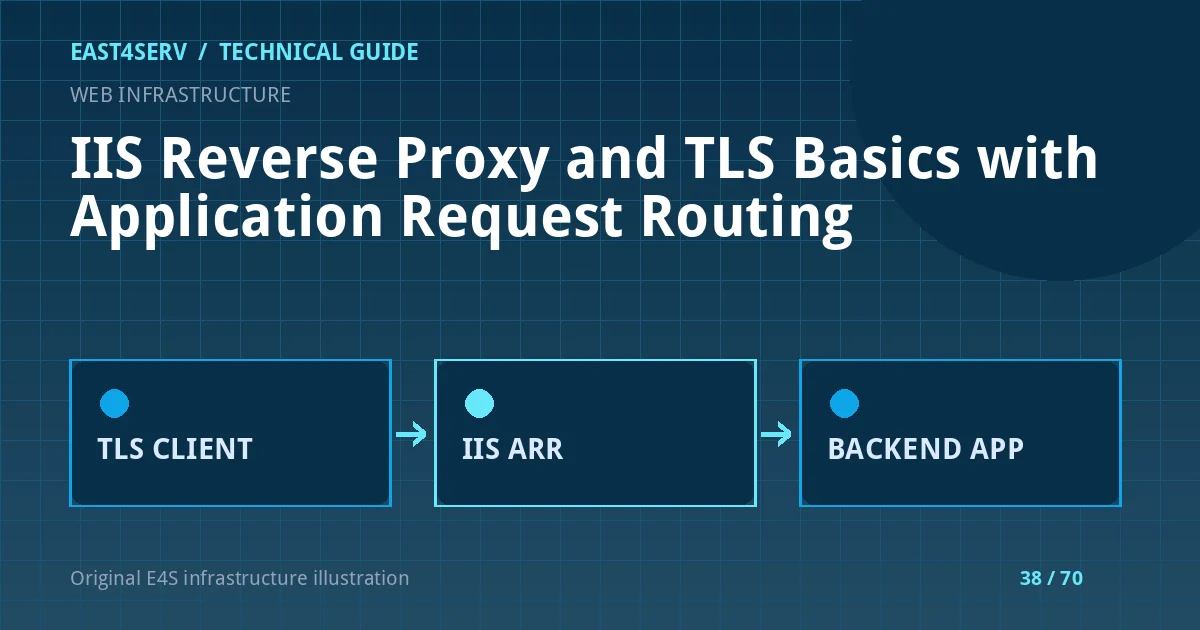
Draw the request path: client, DNS, firewall, IIS listener, backend application and database. Identify whether TLS terminates at IIS only or is also used between IIS and the backend. Record the public hostname and the backend address. The backend should not be directly exposed to the internet merely because the proxy exists. Confirm that URL Rewrite and ARR are installed from approved sources and that the IIS version is supported in your environment.
Read the current site bindings and certificate assignment in IIS Manager or through approved PowerShell tooling before changing them. Back up the IIS configuration and application before editing proxy rules. Use a staging hostname and test certificate chain if possible. Never test an unreviewed rewrite rule by replacing the only production listener without a rollback.
Import-Module WebAdministration
Get-Website | Select-Object Name, State, Bindings
Get-WebBinding | Select-Object protocol, bindingInformation
These are read-only inspection examples on a server with the IIS management module. Do not export private certificate keys into an incident ticket. Check the configured hostname and port rather than assuming the default site is the public application.
Configure TLS and proxy behavior deliberately
Install a certificate valid for the public hostname and verify renewal ownership. The certificate presented to the browser must match the name visitors use; a healthy backend certificate does not repair an invalid public binding. If traffic to the backend crosses an untrusted network, use an authenticated TLS connection there too. Avoid treating an X-Forwarded-Proto header from an arbitrary client as proof of HTTPS; the proxy should set or overwrite trusted forwarding information.
ARR and URL Rewrite can forward requests to a backend. Review path matching, query strings, original host behavior and the handling of WebSocket or long-lived requests if the application uses them. Do not create an open proxy where a user-supplied URL controls the upstream destination. Limit allowed backend hosts in configuration. Check whether the application generates absolute URLs based on a trusted host and proxy scheme.
Validate one route at a time
Test a simple read-only health route, then a real page with links, forms and authentication. Inspect the browser certificate and status code. Follow the redirect chain: a proxy that alternates HTTP and HTTPS may produce an infinite loop if the backend misinterprets the incoming scheme. Verify cookies have the intended Secure and SameSite properties. Test a file upload only with harmless data and confirm size limits at both IIS and the application.
Test-NetConnection -ComputerName backend.example.internal -Port 8080
Replace the example host with an approved backend. A successful TCP test says only that a port accepted a connection, not that the application responded correctly. Use an authorized HTTP health endpoint to test the application layer. Do not disable certificate validation to force a green check.
Logging, errors and rollback
Keep a correlation ID or timestamp that can connect the IIS request to a backend log entry. Log only metadata required to diagnose failures; redact session cookies, authorization headers and form contents. Distinguish an IIS 502 from a backend-generated error by comparing logs and the route being requested. Monitor connection counts and latency when enabling proxy buffering or request inspection.
If deployment fails, restore the saved IIS configuration and binding, then verify the previous customer route. A rollback plan should include both the proxy and any backend trust changes made in the same release. Do not change DNS and proxy routing simultaneously unless you can observe and reverse both safely.
Troubleshooting and security checks
If the public page loads but login redirects to the wrong host, review forwarded host/scheme handling and the application's trusted-proxy settings. If static assets fail, check rewrite scope and whether the proxy rule catches asset requests. If uploads return an IIS request-size error, inspect limits at each layer rather than raising every limit globally. If the backend sees the proxy IP for every user, configure trusted client-IP forwarding using only known proxy addresses; do not trust arbitrary headers sent directly to the backend.
FAQ: Does TLS at IIS encrypt traffic all the way to the app? Only if the backend connection also uses TLS. FAQ: Can ARR replace application authorization? No; users and tenants must still be authorized in the app. Expected result: a validated public hostname, correct TLS and redirects, healthy backend routing and a tested rollback.
Related reading: Nginx reverse proxies and Nginx 502 diagnosis. East4Serv offers infrastructure consulting for proxy and TLS design.
Primary references: https://learn.microsoft.com/en-us/iis/extensions/url-rewrite-module/reverse-proxy-with-url-rewrite-v2-and-application-request-routing and https://learn.microsoft.com/en-us/troubleshoot/developer/webapps/iis/application-request-routing/proxy-server-rejects-back-end-requests.