





On this page
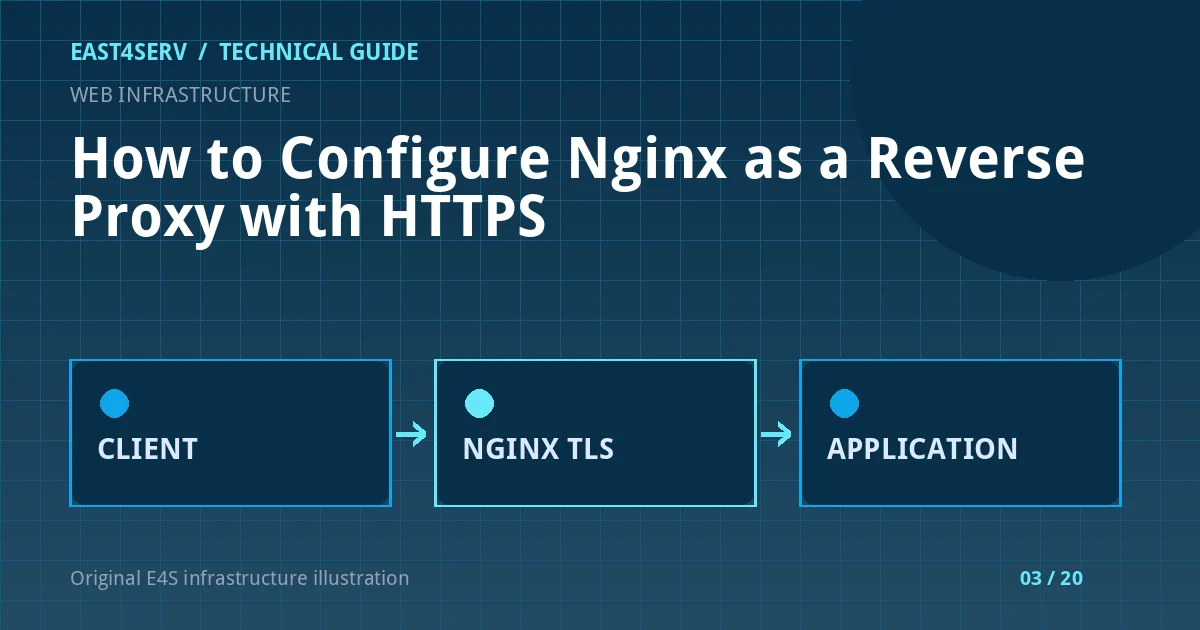
Nginx can accept a public HTTPS request and forward it to an application listening on a private address or Unix socket. This separates internet-facing TLS handling from the app process, but it also creates a trust boundary: the application must know which proxy headers it may trust, and the upstream should not be accidentally exposed to the internet.
The example uses Ubuntu 24.04 or Debian 12, Nginx, a domain you control, and an HTTP application on 127.0.0.1:3000. The domain, port, certificate paths, and unit names are illustrative. Verify them on your own host. Changes to a production reverse proxy can interrupt all sites on the same Nginx instance; make them during a controlled window with a rollback copy.
1. Confirm the application is healthy locally
Start with the upstream, not the public hostname. If the app cannot answer on loopback, adding Nginx will not repair it. Check the listener and response without crossing the public network.
sudo ss -ltnp | grep ':3000'
curl -i http://127.0.0.1:3000/health
sudo systemctl status example-app --no-pager
/health is an example endpoint; use a route that exists in your application and does not reveal secrets. The upstream should normally bind only to loopback or a private network reachable solely by the proxy. Check host and provider firewalls as well.
2. Create a minimal HTTP reverse proxy
This example shows the core proxy directives. It does not yet enable public TLS. Put it in the site configuration location used by your distribution and inspect the effective configuration before reload.
server {
    listen 80;
    server_name app.example.com;

    location / {
        proxy_pass http://127.0.0.1:3000;
        proxy_set_header Host $host;
        proxy_set_header X-Real-IP $remote_addr;
        proxy_set_header X-Forwarded-For $proxy_add_x_forwarded_for;
        proxy_set_header X-Forwarded-Proto $scheme;
    }
}
Forwarded headers are only useful if the application trusts requests from your proxy. Never accept arbitrary client-supplied X-Forwarded-For as a privileged identity signal. Nginx's proxy_pass URI semantics differ depending on whether you include a trailing path; use a small test route to confirm the upstream receives the path you intend.
3. Add HTTPS with a valid certificate
Obtain a certificate for app.example.com using an approved ACME client or your organization's certificate workflow. Avoid copying a private key into source control, tickets, or shared documents. The paths below are placeholders for an already-issued certificate.
server {
    listen 443 ssl;
    server_name app.example.com;
    ssl_certificate /etc/ssl/example/fullchain.pem;
    ssl_certificate_key /etc/ssl/example/privkey.pem;

    location / {
        proxy_pass http://127.0.0.1:3000;
        proxy_set_header Host $host;
        proxy_set_header X-Real-IP $remote_addr;
        proxy_set_header X-Forwarded-For $proxy_add_x_forwarded_for;
        proxy_set_header X-Forwarded-Proto $scheme;
    }
}
Add an HTTP-to-HTTPS redirect only after the HTTPS server answers successfully. Configure renewal and an expiry alert. A certificate file existing today does not mean renewal works tomorrow. If a CDN terminates TLS before Nginx, document both certificate and trust boundaries.
4. Validate before reloading
Nginx syntax validation checks the full configuration and referenced files. Reload gracefully only after it succeeds, then test the actual hostname and application behavior.
sudo nginx -t
sudo systemctl reload nginx
curl -I https://app.example.com/
Check login, redirects, cookies, file uploads, and WebSocket routes if the app uses them. The response may be HTTP 200 while a login redirect loops because the app still thinks the original request was HTTP. Resolve this in the application's trusted-proxy configuration, not by trusting every forwarded header on the internet.
5. Handle long requests and WebSockets deliberately
Nginx has read and connect timeouts. Increase a timeout only for a known workload and after checking why the upstream is slow. For WebSockets, the Upgrade and Connection headers need explicit handling, and the application must support the route. Do not set global long timeouts to mask blocked database calls.
Troubleshooting and security checks
- 502 Bad Gateway: test the local upstream, listener, and Nginx error log. See the focused 502 and PHP-FPM guide.
- Redirect loop: inspect
X-Forwarded-Protoand the app's trusted proxies. Do not make the app trust user-provided forwarding headers. - Wrong path upstream: compare the request URI at Nginx and the app; review
proxy_passtrailing-slash behavior. - Certificate mismatch: ensure the certificate covers the exact hostname and Nginx references its full chain and matching key.
- Connection drops on streaming: inspect buffering and timeout behavior for that route rather than changing every location.
FAQ
Should I expose port 3000 through the firewall?
Not for a loopback upstream on the same host. Public access should normally terminate at Nginx on 443. Remote upstreams require private routing and explicit firewall rules.
Does Nginx automatically trust a CDN's real-client-IP header?
No. Configure trusted proxy ranges based on verified provider documentation and maintain them. Do not trust a header from any internet client.
Is an HTTP redirect safe before HTTPS works?
It can make the site unreachable if the certificate or 443 listener is broken. Bring up and test HTTPS first, then enable the redirect.
Continue reading
If your stack uses PHP-FPM, see how to diagnose Nginx 502 errors. For a review of your TLS and upstream design, talk to East4Serv about managed infrastructure.
References: Nginx proxy module and Nginx WebSocket proxying.