





On this page
A short Bash script can make a routine server check repeatable, but automation also makes an incorrect assumption repeatable. A reliable maintenance script names its inputs, validates its environment, records what it intends to change, and stops before a risky operation if prerequisites fail. This guide builds a read-only inventory script first, then explains the controls needed before adding writes.
The examples target GNU Bash on Linux. They are illustrative, not a script tested on every distribution. Run them on a non-production host before adapting them to a customer server. Never turn a read-only example into a cleanup or restart job without a change review and rollback plan.
Prerequisites and the first design decision
Know whether the task is observation, configuration change, or deletion. Keep those modes separate. Identify the interpreter, supported Bash version, service names, input paths, expected output, and operator. Use a dedicated account with the minimum access required; avoid running an entire script as root merely because one command might need elevated privilege.
Start a script with an explicit interpreter and document its scope. The following example collects service and filesystem evidence without writing system configuration:
#!/usr/bin/env bash
set -u
set -o pipefail

service_name="${1:-}"
if [[ -z "$service_name" || ! "$service_name" =~ ^[a-zA-Z0-9@_.-]+$ ]]; then
  printf 'Usage: %s SERVICE_NAME\n' "$0" >&2
  exit 2
fi

printf 'UTC time: %s\n' "$(date -u +%FT%TZ)"
systemctl status "$service_name" --no-pager
df -h -- /var
The regular expression rejects spaces and shell punctuation in the unit argument. Quoting "$service_name" remains important even when validation exists. df -h -- /var illustrates the -- end-of-options convention, which protects commands from input beginning with a dash. This script's systemctl status may exit nonzero when the service is unhealthy; that is useful evidence, not necessarily a failure of the inventory process.
Step 1: Decide how failures should propagate
set -o pipefail makes a pipeline fail when an earlier command fails instead of relying only on the last command's status. set -u reports unset variables, which can catch misspelled names. set -e is sometimes useful but has documented exceptions in conditionals, && lists, functions, and subshells. Treat it as one guard, not as a substitute for explicit checks of important commands.
For a critical step, name the failure and stop deliberately:
if ! command -v systemctl >/dev/null 2>&1; then
  printf 'systemctl is required on this host\n' >&2
  exit 3
fi

if ! systemctl is-active --quiet "$service_name"; then
  printf 'Service %s is not active; inspect its journal\n' "$service_name" >&2
fi
An inventory script can report an inactive service and continue collecting data. A deployment script might instead stop before promoting a release. The correct behavior comes from the business operation, not from copying a blanket shell option.
Step 2: Keep inputs and outputs bounded
Accept specific arguments rather than evaluating arbitrary strings. Do not run eval on user input. Use arrays for command arguments and double-quote expansions. Prefer file paths passed to established tools over constructing a shell command in a variable. Put temporary files in a private directory created with mktemp -d, register a cleanup trap, and avoid predictable names in shared /tmp.
tmpdir="$(mktemp -d)" || exit 1
trap 'rm -rf -- "$tmpdir"' EXIT
printf '%s\n' "Inventory started" > "$tmpdir/status.txt"
The rm -rf line is appropriate only for the private directory returned by mktemp -d in this narrow example. Never adapt it to an unchecked input path. For production automation, log a change identifier and preserve evidence outside the temporary directory before cleanup.
Step 3: Add a dry-run boundary before any mutation
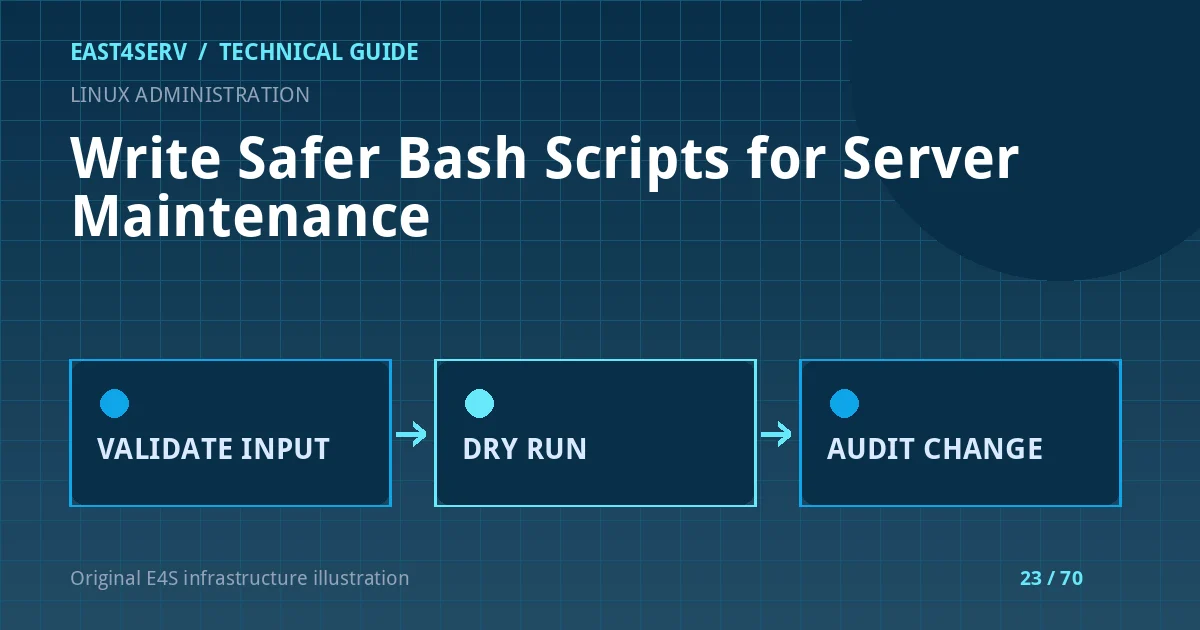
If a future version changes services, deletes files, or deploys packages, require an explicit --apply argument. Print planned targets in dry-run mode and have a separate function execute reviewed operations. Do not call a script a dry run if it still sends email, changes permissions, or touches a remote API. For filesystem work, compare canonical paths and reject symlinks or paths outside the approved root when that matters.
Use an idempotency check for operations that might be retried. A backup script should not silently overwrite the last good copy; a payment or provisioning script needs stronger transaction and provider-reconciliation safeguards than a shell loop can offer alone.
Step 4: Test syntax and behavior
Run bash -n script.sh to catch syntax errors. Test expected and invalid arguments, absent services, read-only file systems, and permission failures in a disposable environment. ShellCheck may identify quoting and logic mistakes when available, but a clean lint run is not a substitute for a real functional test. Capture exit codes and inspect the output; never report success solely because the script printed a final line.
Expected result and troubleshooting
The read-only example reports UTC time, current systemd state, and /var disk use for a validated unit name. It exits with a meaningful code for missing or malformed input. If it cannot find systemctl, confirm the host actually uses systemd. If df fails, check mount availability and permissions. If a pipeline succeeds despite a failed earlier command, verify whether pipefail was enabled in the interpreter that ran the script.
Security considerations
Do not place credentials in command-line arguments where process listings may reveal them. Avoid set -x around secrets because Bash xtrace logs expanded values. Use scoped service identities, protected environment files or a secret manager, and explicit audit records. Review scripts that alter firewalls, SSH, databases, or backup storage with a second operator and a rollback plan.
FAQ
Does set -euo pipefail make a script safe?
No. It changes some failure behavior but cannot validate the meaning of an input, the safety of a target path, or whether a production side effect is reversible. Bash documents exceptions to -e that must be understood.
Why use arrays for commands?
Arrays preserve argument boundaries and avoid accidental word splitting or glob expansion when building a command from controlled pieces.
When should I avoid Bash?
Use an application or configuration-management tool when the workflow needs transactions, complex retry state, tenant authorization, or structured API reconciliation.
Continue reading
See Laravel worker operations, Linux backup planning, and high CPU investigation. For supported production changes, contact East4Serv to agree the scope and rollback responsibility.
References: GNU Bash manual: set builtin, Bash shell parameters, and GNU coreutils manual. The example is intentionally read-only and illustrative.