





On this page
A service that runs when an engineer starts it but disappears after a reboot is usually an ordering, enablement, environment, or application-startup problem. Repeatedly restarting it may conceal the evidence. The goal of this guide is to reconstruct the boot sequence, understand why systemd made its decision, and change only the confirmed dependency or unit setting.
These steps apply to a Linux distribution using systemd, such as current Ubuntu, Debian, AlmaLinux, or Rocky Linux releases. Unit names and package paths differ. The commands below are diagnostic unless clearly marked as a change. Have console access before changing a service that provides remote access or production traffic.
Prerequisites and a safe change window
You need an account permitted to inspect the system journal and service units. Know the exact unit name; examples use example.service as a placeholder. Record the server's last boot and the application's expected dependencies, including mounted volumes, database, network, secrets, and working directory. For customer-facing services, capture current health and arrange a maintenance window before editing or restarting a unit.
uptime -s
systemctl status example.service --no-pager
systemctl is-enabled example.service
systemctl is-active example.service
enabled means the unit has installation links for startup; it does not mean it started successfully. active describes the current state. A service can be enabled, fail early during boot, and later start manually after its database becomes ready.
Step 1: Read this boot's evidence before changing anything
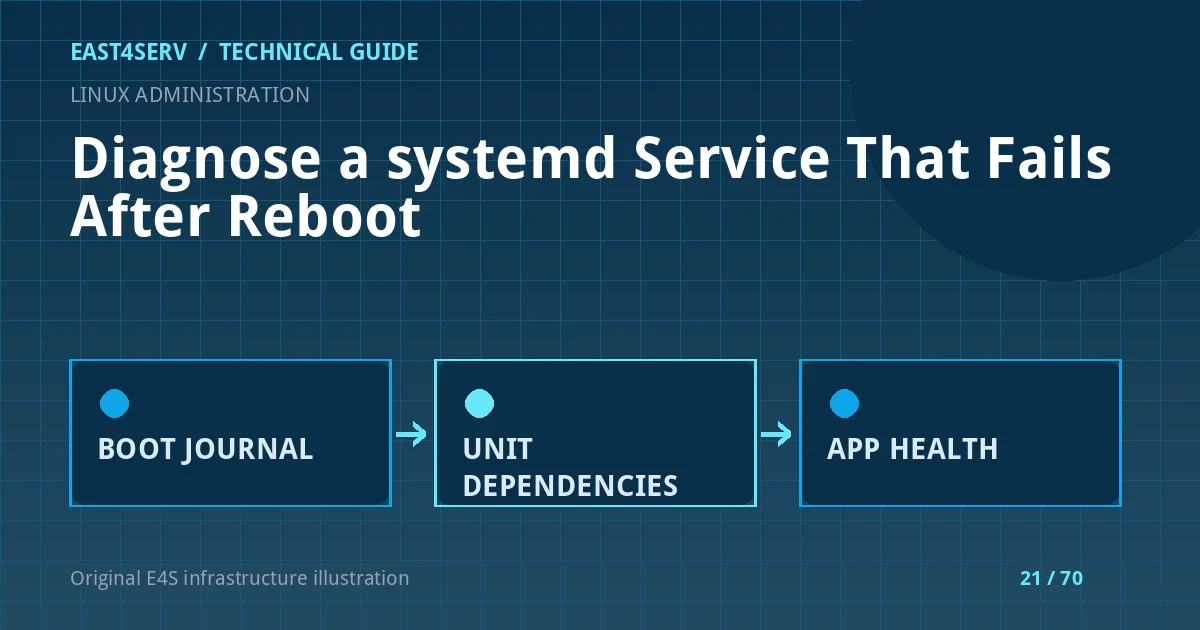
Inspect the current boot journal and the dependency tree. Search for the first failure, not just the final restart-loop message.
sudo journalctl -b -u example.service --no-pager -n 200
systemctl show example.service -p ActiveState -p SubState -p Result -p ExecMainStatus
systemctl list-dependencies example.service
systemctl cat example.service
systemctl cat includes drop-ins, which may override the vendor unit. Check WorkingDirectory=, User=, EnvironmentFile=, ExecStart=, and any paths the process needs. A missing mount, unreadable secret, or wrong executable path may appear as an exit code or permission error. Preserve relevant journal timestamps in the incident record; do not paste secret-bearing environment files into public forums.
Step 2: Separate ordering from requirement dependencies
In systemd, After= expresses ordering when both units are started. It does not, by itself, pull another unit into the transaction. Wants= requests a weaker dependency; Requires= can make failure of the required unit prevent or stop the dependent unit, especially when paired with ordering. A web worker that needs a local database may need both a start request and ordering, but a network target is not proof that an external API is healthy.
Before changing a unit, check the real dependency and its own journal:
systemctl status postgresql.service --no-pager
sudo journalctl -b -u postgresql.service --no-pager -n 100
systemctl show example.service -p After -p Wants -p Requires
Do not copy Requires=postgresql.service into every unit merely because it seems safe. If the application can tolerate a brief database outage and reconnect, a hard stop dependency may make recovery worse. Choose dependencies from the application's actual startup behavior.
Step 3: Confirm enablement and startup command
If the service is disabled but should start at boot, review its [Install] section and then enable it during an approved change window. systemctl enable changes boot configuration; it does not diagnose a failing process.
systemctl is-enabled example.service
systemctl cat example.service
sudo systemctl enable example.service
For a locally maintained unit, use a drop-in or a reviewed unit file rather than editing a package-managed file in place. Validate the unit definition with systemd-analyze verify /etc/systemd/system/example.service, reload the manager only after a valid change, and then restart the affected service while watching health. daemon-reload rereads unit definitions; it does not restart a service automatically.
Step 4: Treat restart policy as recovery, not diagnosis
Restart=on-failure can recover from a transient process exit, but an invalid secret, broken migration, or missing file will still fail. Review RestartSec= and start-rate limiting so failures do not become a CPU-heavy loop. A unit that repeatedly exits with the same status needs a fix, not a higher restart allowance.
systemctl show example.service -p Restart -p RestartUSec -p NRestarts
sudo journalctl -b -u example.service --no-pager | tail -80
After correction, verify the process, socket or port, and an authenticated application action. A systemd green state alone does not prove the service is usable.
Expected result and verification
The corrected unit is enabled where intended, becomes active after dependencies are ready, and its application health check succeeds without a restart storm. Verify another ordinary service restart first. Do not reboot a production host solely to test a unit without an approved maintenance window; boot persistence can be reviewed from unit configuration, dependency evidence, and a later scheduled reboot.
Troubleshooting common failures
- Unit not found: the service name may differ from the process or package name. Use
systemctl list-unit-filesand check the deployment documentation. - Start request repeated too quickly: inspect the first failure and restart count; resetting the failed state without fixing the cause only suppresses evidence.
- Manual start works, boot fails: look for unavailable mounts, sockets, database readiness, and environment differences.
- Permission denied: inspect service user, file ownership, SELinux/AppArmor denials where applicable, and executable bits; do not grant broad root privileges to avoid the investigation.
- Database starts but application still fails: a dependency unit can be active before the application-level schema or credentials are valid. Add application-level readiness and retry logic where appropriate.
Security and operational considerations
Run services under the least privileged dedicated identity that supports the workload. Keep secrets in protected files or a secret manager; never put them in public unit descriptions or logs. Review any ExecStartPre= command for side effects and idempotency. Changes to database, firewall, SSH, or web services should include a rollback and owner approval when they may interrupt customer traffic.
FAQ
Does After=network-online.target guarantee internet access?
No. It orders startup relative to a target reached by the local network manager. It does not prove DNS, routing, a remote provider API, or a database endpoint is healthy.
Should I use Restart=always for every service?
No. Match the restart policy to the process's exit semantics and expected lifecycle. A one-shot maintenance job and a long-running daemon need different behavior.
Can I diagnose a previous boot?
If persistent journal data exists, journalctl -b -1 -u example.service can show the prior boot. Some hosts retain only the current boot; absence of old logs is not evidence that the service succeeded.
Continue reading
Related East4Serv guides cover Laravel workers and systemd, Linux health monitoring, and backup and recovery planning. For an existing server that needs an agreed operations scope, review server management.
References: systemd unit dependencies, systemd service behavior, and journalctl. Commands are illustrative and were reviewed against these manuals; they were not executed against a production customer host.