





On this page
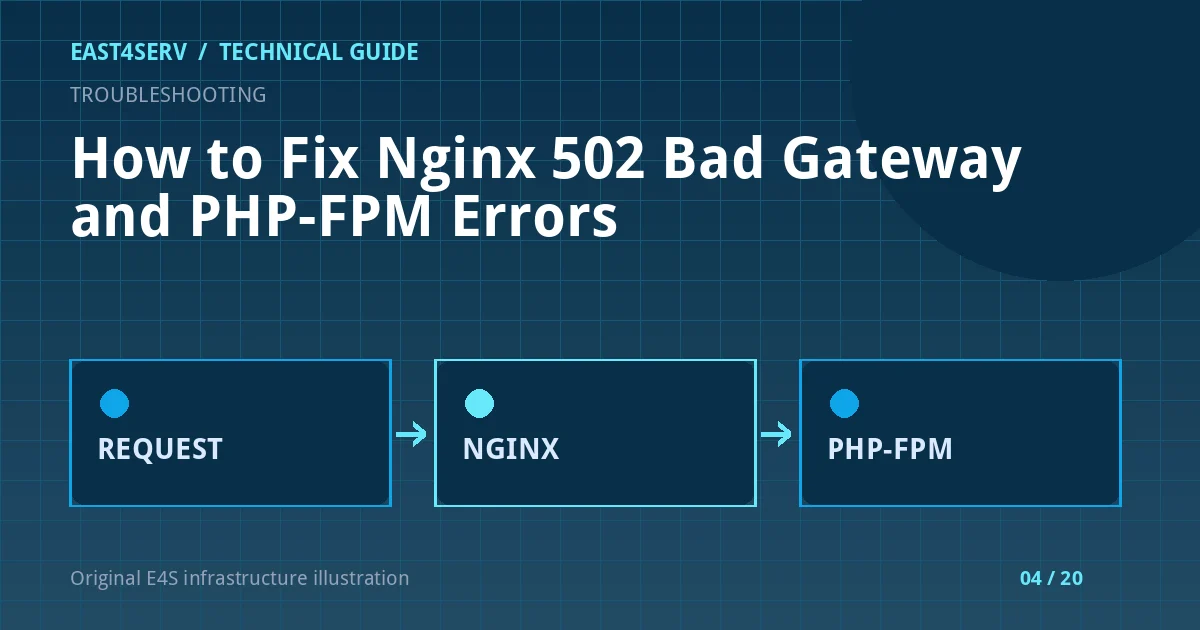
An Nginx 502 Bad Gateway response means Nginx could not obtain a valid response from its upstream. On a PHP site, the upstream is often PHP-FPM, but the same status can arise from a TCP application, a missing Unix socket, a timeout, or an unhealthy backend. Start by identifying the failing upstream. Restarting every service without evidence can hide the cause and interrupt unrelated sites.
The examples below target Ubuntu 24.04 and Debian 12 with systemd and Nginx. Service names and socket paths vary by PHP version and distribution. Run commands on a staging host first, or during an approved maintenance window for production changes. These are diagnostic examples, not commands executed against your server.
1. Confirm where the 502 is generated
Request the affected host and note its response headers. If a CDN or load balancer is in front of Nginx, compare the public response with a request to the origin using the correct Host header. Never expose a private origin address in a public incident report.
curl -I https://example.com/
sudo nginx -t
sudo systemctl status nginx --no-pager
nginx -t checks syntax and the referenced files. It does not prove the upstream is healthy. If the syntax check fails, correct that first; do not reload Nginx with an invalid configuration. If Nginx itself is down, investigate its journal before touching PHP-FPM.
2. Read the Nginx error at the incident time
The error log usually tells you whether Nginx could not connect, lacked permission to a socket, or timed out while reading a response. Match the timestamp to one failed request. Paths below are common package defaults; confirm your server block's error_log directive.
sudo tail -n 100 /var/log/nginx/error.log
sudo journalctl -u nginx --since '15 minutes ago' --no-pager
“No such file or directory” for an upstream Unix socket points toward a stopped PHP-FPM pool or an incorrect fastcgi_pass. “Permission denied” points toward socket ownership or mode. “Connection refused” often means the configured TCP endpoint has no listener. “Upstream timed out” requires checking application work, upstream saturation, and the applicable timeout. Each message calls for a different repair.
3. Inspect the configured upstream and the actual listener
Find the effective fastcgi_pass in the active Nginx configuration. The example below prints the full effective configuration, which may contain internal hostnames or other sensitive information; keep its output private.
sudo nginx -T | grep -nE 'fastcgi_pass|proxy_pass|error_log'
systemctl list-units 'php*-fpm.service' --all --no-pager
sudo ss -ltnp
sudo find /run/php -maxdepth 1 -type s -ls
If Nginx points at unix:/run/php/php8.3-fpm.sock, that path must exist and PHP-FPM must be configured to listen there. A PHP version upgrade can leave the Nginx site referring to an old socket. If Nginx uses 127.0.0.1:9000, verify a listener is bound on that address and port. Do not “fix” a mismatch by exposing PHP-FPM on a public interface.
4. Check the PHP-FPM pool without interrupting traffic
Discover the installed unit name before running a version-specific command. The following uses php8.3-fpm as an illustrative Ubuntu/Debian unit; substitute your actual version.
sudo systemctl status php8.3-fpm --no-pager
sudo journalctl -u php8.3-fpm --since '15 minutes ago' --no-pager
sudo php-fpm8.3 -t
Look for failed starts, pool configuration errors, memory exhaustion, pm.max_children saturation, and repeated worker crashes. A pool can be “active” while every worker is busy. Correlate FPM logs with request latency and CPU/RAM, then inspect the application log. If the application is stuck on database or external API calls, a larger FPM pool alone may make the host less stable.
5. Verify socket access and configuration
For a Unix socket, compare the actual socket owner/group/mode with the account running Nginx. Check the pool's listen, listen.owner, listen.group, and listen.mode settings and the Nginx worker user. On Ubuntu/Debian packages the worker is often www-data, but verify rather than assume.
sudo ls -l /run/php/
sudo grep -R -nE '^(listen|listen\.owner|listen\.group|listen\.mode|user)\s*=' /etc/php/*/fpm/pool.d/
sudo nginx -T | grep -n '^user '
Avoid chmod 777 on a socket. Set the minimum permissions required by the web server and keep the FPM pool isolated from unrelated applications. If you change a pool file, validate with php-fpm<VERSION> -t before a controlled reload.
6. Apply the smallest repair and verify it
Once the evidence identifies a stopped pool, start only that pool. If the configuration points to an obsolete socket, correct fastcgi_pass and validate Nginx before a graceful reload. If the problem is load, investigate the slow request and worker capacity rather than repeatedly restarting the service.
sudo nginx -t
sudo systemctl reload nginx
curl -I https://example.com/health
The reload above is appropriate only after a reviewed configuration change and a successful syntax test. Check the same URL that failed, then check another site sharing the Nginx instance. Watch Nginx and FPM logs for recurrence. A single successful request is not proof that an intermittent timeout is resolved.
Common errors and safe next steps
- Socket missing after PHP upgrade: update the site to the installed FPM socket, or restore the expected pool. Confirm the package and service before changing paths.
- Permission denied: inspect worker user and socket ACLs. Do not broaden permissions to the world.
- FPM process limit reached: review
pm.max_children, RAM per worker, slow application calls, and queue behavior. Increasing workers without memory headroom can cause swapping or out-of-memory kills. - Intermittent 502 behind a load balancer: compare backend health and logs per node; one unhealthy origin may be masked by healthy siblings.
- 502 after deployment: check symlink paths, application dependencies, migrations, and FPM reload timing. Roll back via the reviewed deployment procedure if the new release cannot serve traffic.
Security considerations
Keep diagnostic logs private; request URLs may contain personal data. Use a health route that does not expose secrets. Do not set excessive timeouts to conceal hanging application requests. When you change FPM limits or socket permissions, document the before/after values and verify another application has not gained unintended access.
FAQ
Does a 502 always mean PHP-FPM is down?
No. Nginx can return 502 for several upstream failures. Read the error log and identify the active fastcgi_pass or proxy_pass before assigning the cause.
Should I restart Nginx first?
Usually no. Check syntax, service state, upstream state, and the error log. If Nginx is serving the 502, restarting it without correcting the upstream may only cause an extra interruption.
Is increasing fastcgi_read_timeout a fix?
It can be appropriate for a deliberately long request, but it is not a substitute for investigating slow PHP, a saturated pool, or a blocked dependency. Set timeouts based on the workload and test them.
Continue reading
For upstream architecture, see configuring Nginx as a reverse proxy. For resource pressure during an incident, see investigating high CPU on Linux. If you need an operational review, talk to East4Serv about server management.
References: Nginx FastCGI module and PHP-FPM configuration.