





On this page
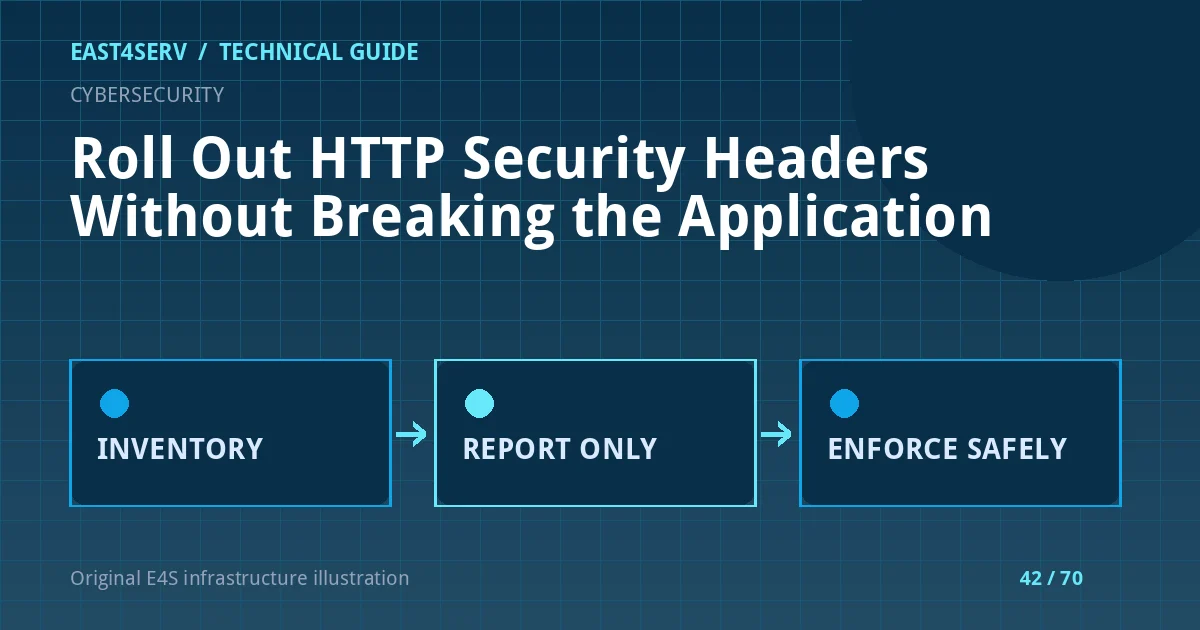
Security headers influence browser behavior, but a copied header block can break authentication, embeds, scripts or subdomains. A safe rollout starts by inventorying the application and observing responses, then adding a narrow policy in stages. This guide covers Content Security Policy, HSTS and a few related headers at a planning level. It is not a universal paste-in configuration: each application needs its own resource map and compatibility tests.
Prerequisites and baseline
List public hostnames, subdomains, third-party scripts, API origins, payment pages, image sources and embedded content. Identify which layer currently sets headers: Nginx, an app middleware, a CDN or a WAF. Duplicate headers from several layers can be confusing or more restrictive than intended. Capture representative responses from the homepage, login, checkout, article editor and uploads before changing anything.
curl -sSI https://example.com/
curl -sSI https://example.com/login
Use a site you administer. Headers can differ by route and status code; a successful homepage response does not prove the 404 or 500 response is covered. Do not include session cookies or authorization headers in a public diagnostic report. Check redirects separately so you know which host actually emits each policy.
Start CSP in report-only mode
A Content Security Policy can restrict where scripts, styles, frames and other resources load from. Begin with an inventory of legitimate sources. Use Content-Security-Policy-Report-Only to observe violations before enforcement; it reports but does not block in a conforming browser. Configure a protected collection endpoint and retention policy because reports can include URL information. Review samples for actual false positives rather than allowing every domain that appears in one noisy report.
Avoid unsafe-inline or a wildcard merely to suppress reports without investigating why inline code is present. For modern applications, nonce- or hash-based policies may be appropriate, but they require coordination with template rendering and caching. Test rich text editors, chat, checkout and error pages; these often use distinct assets. When the report-only policy is stable, enforce a limited policy and monitor support incidents, with a rollback ready.
Introduce HSTS cautiously
Strict-Transport-Security tells browsers to use HTTPS for future visits. It is sent over HTTPS, and browsers remember it for the configured max-age. An includeSubDomains directive covers subdomains, so do not enable it until every relevant subdomain has a working HTTPS path. Preloading has even stronger operational consequences and should be a separate, reviewed decision. An HSTS policy cannot repair an invalid certificate and can make a certificate outage harder for users to bypass.
Start with a short period on a verified hostname, watch certificate renewal and redirects, then increase the duration according to the domain policy. Preserve a recovery path for certificate problems. Do not apply HSTS to a broad parent domain if a customer or legacy subdomain still uses HTTP. Test both www and apex routes and the actual public edge.
Add other headers with a purpose
X-Content-Type-Options: nosniff helps browsers honor declared content types; first verify that static assets and downloads are served with correct MIME types. Referrer-Policy can reduce URL information sent to other sites while preserving useful navigation behavior. Permissions-Policy can constrain browser features that the app does not need. Frame-embedding controls must reflect whether the site legitimately embeds payment or support content. No header replaces output encoding, authorization or secure cookie settings.
Write down which team owns each header and which edge or app component emits it. Validate expected responses through automated tests and a real browser. Check CSP console messages and the business workflows most likely to be affected. Security headers on a brochure page are less informative than headers on login, checkout and account pages.
Troubleshooting and rollback
If an asset fails after CSP enforcement, inspect its blocked URL, directive and call site. Create the smallest valid source allowance or change the application to avoid the unsafe dependency. If an embedded partner fails, confirm the partner origin and data flow rather than allowing all frames. If HSTS breaks a subdomain, remember that changing the header cannot instantly erase a browser's cached policy; the configured lifetime matters. This is why a staged rollout is essential.
FAQ: Is a long list of headers a security score? No; effectiveness depends on correct policies and application defenses. FAQ: Should CSP reports be stored forever? No; retain only necessary sanitized data. Expected result: the site gains measurable browser protections while login, editor, checkout and support remain functional.
Related reading: TLS renewal diagnosis and Nginx incident logs. East4Serv security operations can help plan a staged rollout.
Primary references: https://developer.mozilla.org/en-US/docs/Web/HTTP/Guides/CSP and https://developer.mozilla.org/en-US/docs/Web/HTTP/Reference/Headers/Content-Security-Policy-Report-Only and https://developer.mozilla.org/en-US/docs/Web/HTTP/Reference/Headers/Strict-Transport-Security.