





On this page
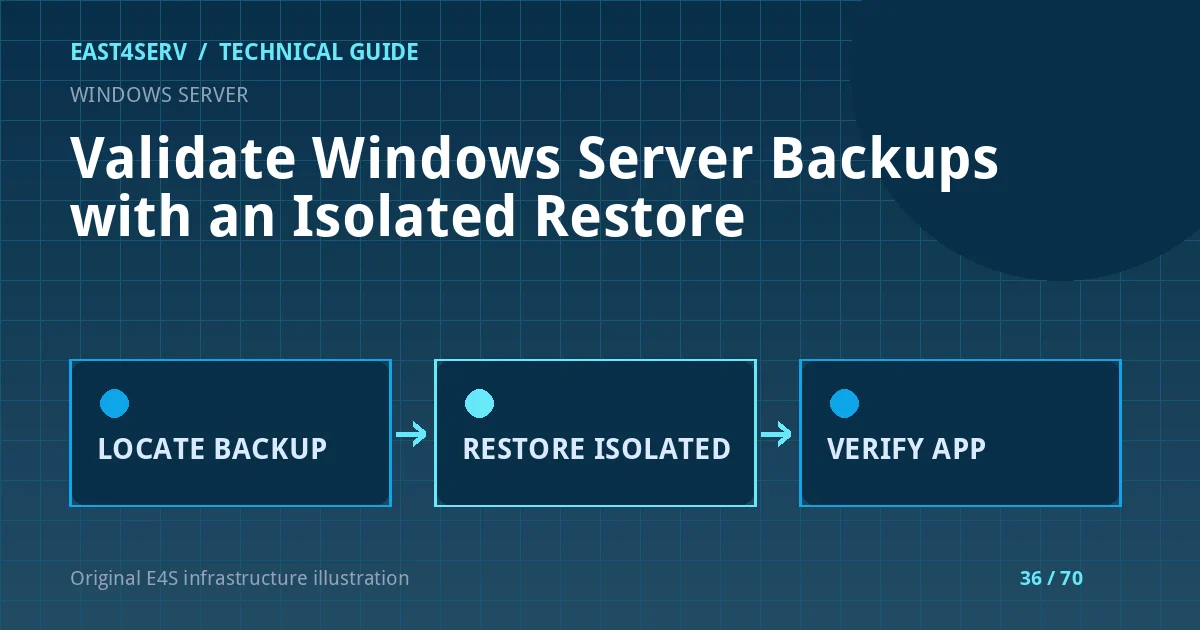
A scheduled backup is not the same as a recoverable service. The real test is whether an operator can locate the correct restore point, access its credentials, restore the relevant data and prove that the application works. This guide outlines a Windows Server backup validation exercise, including Windows Server Backup examples. It is deliberately scoped to an isolated test environment; do not overwrite a production system to prove a backup is usable.
Prerequisites and recovery objective
List the workloads on the server: files, IIS applications, databases, directory services and configuration. Each may need a different backup method and consistency requirement. Define a recovery point objective with the business owner and record which transactions could be lost after a restore. Identify retention obligations and whether copies are stored offsite or protected from ransomware. Keep decryption keys outside the server being backed up.
Verify the backup product and target before using any command. wbadmin applies to Windows Server Backup; third-party systems have their own documented restore workflow. An elevated operator can list available versions with:
wbadmin get versions
This lists candidate backups but does not prove their contents are complete or readable. If backups live on another target, use the product's documented target and machine arguments. Protect any target path or server name in shared reports. A backup catalog that is missing the expected date is a failure to investigate, not a reason to restore an older point silently.
Check integrity and application consistency
Review job history, warnings, backup size and retention. Confirm that the backup covers the data volumes, system state and application configuration needed for the scenario. For SQL Server, Active Directory or other stateful applications, follow the vendor's supported backup method; a file-level copy of open database files may not be restorable. Record the backup timestamp and compare it with the latest known transaction or file change.
If the backup is encrypted, confirm that a second authorized operator can retrieve the key through the approved process. Test access while the primary backup server is unavailable. An offsite copy is useful only if the network, credentials and restore software can be reached during an outage. Do not store backup credentials in the runbook or on the same compromised host.
Restore into isolation
Create an isolated VM or lab network with enough storage. Restore a representative workload using the backup product's documented procedure, then validate files, permissions, service configuration and application behavior. Do not connect a restored domain controller or a restored production database to the live network without a scenario-specific plan. The restore environment must avoid duplicate host identities, scheduled email delivery or provider webhooks that could affect customers.
Write down every manual step: locating the backup, identifying the version, selecting files or volumes, entering the key, and validating results. Measure elapsed time from the first recovery action to a usable application. If the business requires recovery within two hours but the tested restore takes six, the plan needs redesign rather than a green checkbox.
Verify customer workflows and evidence
Check more than boot success. Open the restored application, authenticate with a test account, query representative data and review service logs. For an IIS site, verify the application pool, TLS certificate binding, backend dependencies and a safe page route. For a file server, compare permissions and a sample of expected files. For a database, run vendor-supported consistency checks and application queries. Record what was actually tested and what remained unverified.
The exercise should produce an evidence pack: backup ID, date, restore target, operator, duration, validation steps, failures and follow-up actions. Store it privately because it may reveal topology and recovery procedures. Review the pack after a major upgrade or infrastructure move; a backup method that worked last year may no longer capture the new service.
Troubleshooting and safety
If wbadmin get versions finds no expected backup, check the target, catalog, permissions and whether a different product owns the backup. If the restore succeeds but the application fails, inspect missing secrets, certificates, DNS, service accounts and dependencies before claiming the backup is corrupt. If a restore test triggers outbound email or jobs, isolate the environment more strictly and treat any customer impact as an incident.
FAQ: Can a VM snapshot replace application backups? Not for every workload; verify consistency and separate retention. FAQ: Does a matching checksum prove a restore will work? No; it proves one file did not change relative to a trusted digest. Expected result: a tested recovery procedure with measured duration and explicit application-level validation.
Related reading: server recovery runbooks and Linux backup planning. East4Serv managed server service can help assess a practical restore exercise.
Primary references: https://learn.microsoft.com/en-us/windows-server/administration/windows-commands/wbadmin-get-versions and https://learn.microsoft.com/en-us/azure/backup/backup-azure-restore-system-state.