





On this page
Adobe Commerce / Magento 2 performance depends on the whole request path: CDN, Varnish, application/PHP workers, Redis or Valkey, database, search, and background consumers. Adding a cache layer cannot repair a slow custom module or an overloaded database by itself. Establish a measured baseline before changing production configuration.
This guide is an operations checklist for a current supported Adobe Commerce/Magento 2 deployment. Exact commands and supported versions depend on the installed release and edition. Use the official documentation for your version, test in staging, and schedule cache or index changes because they can affect checkout and other customer workflows.
1. Map the request and data paths
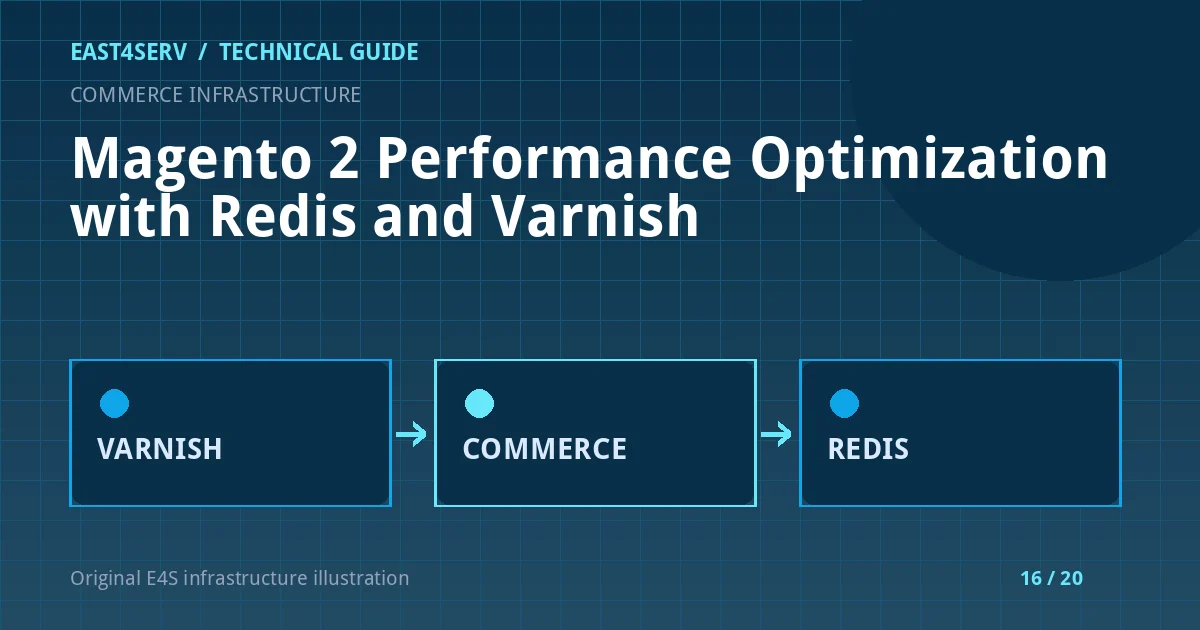
Separate cacheable storefront pages from customer-specific requests such as cart, account, and checkout. Varnish can serve public full-page cache where configured; it must not cache personalized content for another customer. Redis/Valkey may serve cache or session roles, while database and search infrastructure have their own capacity boundaries.
Draw a topology with each service, owner, and failure mode. Record which component terminates TLS and which node serves the first byte. Compare public latency with origin/application timing before deciding where to optimize.
2. Measure the baseline
Track p50/p95 response time, error rate, cache hit/miss ratio, PHP-FPM saturation, database query time, Redis memory/evictions, search latency, and queue consumer backlog. Sample during peak as well as quiet periods. A cache hit ratio alone is not enough: fast category pages do not compensate for a failing checkout.
Use the application's supported CLI to inspect deployment mode and index status. The commands below are read-only examples from an Adobe Commerce project root; confirm the installed version before use.
php bin/magento deploy:mode:show
php bin/magento indexer:status
Avoid printing app/etc/env.php, which can contain credentials. If an indexer is behind, determine whether its consumer or schedule is running rather than repeatedly forcing a full reindex during traffic peaks.
3. Configure full-page caching deliberately
Adobe's Varnish guidance describes the supported full-page cache path. Use the application-generated VCL appropriate to your version, preserve cache-bypass behavior for sessions and private content, and verify headers without exposing private values. Configure health checks and the reverse-proxy chain so Varnish sees the correct host and protocol.
Never cache checkout, account, cart, or other personalized responses merely to improve a synthetic benchmark. Test anonymous and authenticated sessions separately, including changes to cart contents and locale/currency.
4. Use Redis/Valkey for the right roles
Cache and session data differ in durability and eviction tolerance. Keep clear separation or capacity guarantees. Monitor memory, evictions, latency, persistence, and connection failures. A shared cache flush can log out customers or overload the database. Use targeted invalidation when possible and review the impact of any full cache clean.
5. Tune PHP and database based on evidence
Compare PHP-FPM worker count with real RAM per worker and traffic concurrency. Too few workers queue requests; too many can exhaust memory. Inspect slow database queries and indexes in a staging copy. Keep application code and third-party extensions current; custom plugins can add expensive observers or queries on every request.
6. Validate the customer journey after change
Test search, product detail, cart, login, checkout through a safe noncharge path, order confirmation, email, and background consumers. Compare metrics with the baseline. Keep a rollback route for VCL, configuration, and app release. Changes that improve a homepage benchmark but break payment or stock are regressions.
Troubleshooting and common errors
- Varnish hit ratio low: inspect cookies, headers, cache tags, TTL, and invalidation frequency before increasing cache capacity.
- Customers see wrong content: stop unsafe caching, investigate cache key/context, and treat cross-account exposure as a security incident.
- Redis evictions: review memory sizing, key roles, and eviction policy; do not flush a shared production instance.
- Checkout slow but homepage fast: measure database, payment API, custom modules, sessions, and consumer queues.
- Indexers remain behind: inspect schedule/consumer health and database contention before launching another full reindex.
Security considerations
Protect env.php, Redis, Varnish admin interfaces, database credentials, and customer-session data. Keep private pages out of shared caches. Restrict who can clear caches or run indexers on production and audit these operations. Test patches in staging and track security advisories for the installed release.
FAQ
Does Varnish cache every page?
No. Customer-specific and sensitive pages must remain private. Configure the official full-page cache behavior and verify it with separate anonymous and authenticated tests.
Should cache and sessions share one Redis instance?
Only if isolation, capacity, durability, and eviction behavior are understood and monitored. Separate roles may reduce correlated failure.
Is a full reindex a safe first response to slow pages?
Not necessarily. It can increase load. Diagnose index status and the actual bottleneck first.
Continue reading
Review Redis caching architecture for cache principles and Linux server performance diagnosis for host signals. Contact East4Serv about a measured Commerce operations assessment.
References: Adobe Commerce performance guidance and Varnish configuration.