





On this page
Redis can reduce repeated database and computation work in a Laravel application, but it also introduces a second data store with its own availability, memory, and security requirements. The first design question is what the cache may safely forget. Session state, queue state, and disposable response cache entries have different durability needs and should not be treated as interchangeable.
This guide discusses a current Laravel application and a private Redis service. Configuration keys and deployment details vary by Laravel version. The snippets are illustrative and must be tested in staging; do not flush a production Redis database to “fix” a cache problem.
1. Choose data that benefits from caching
Good candidates include expensive read-only queries, rarely changing reference data, or computed fragments with clear invalidation rules. Avoid caching private account data under a key shared by tenants. Include tenant, locale, permissions, and relevant configuration version in a cache key when the output depends on them.
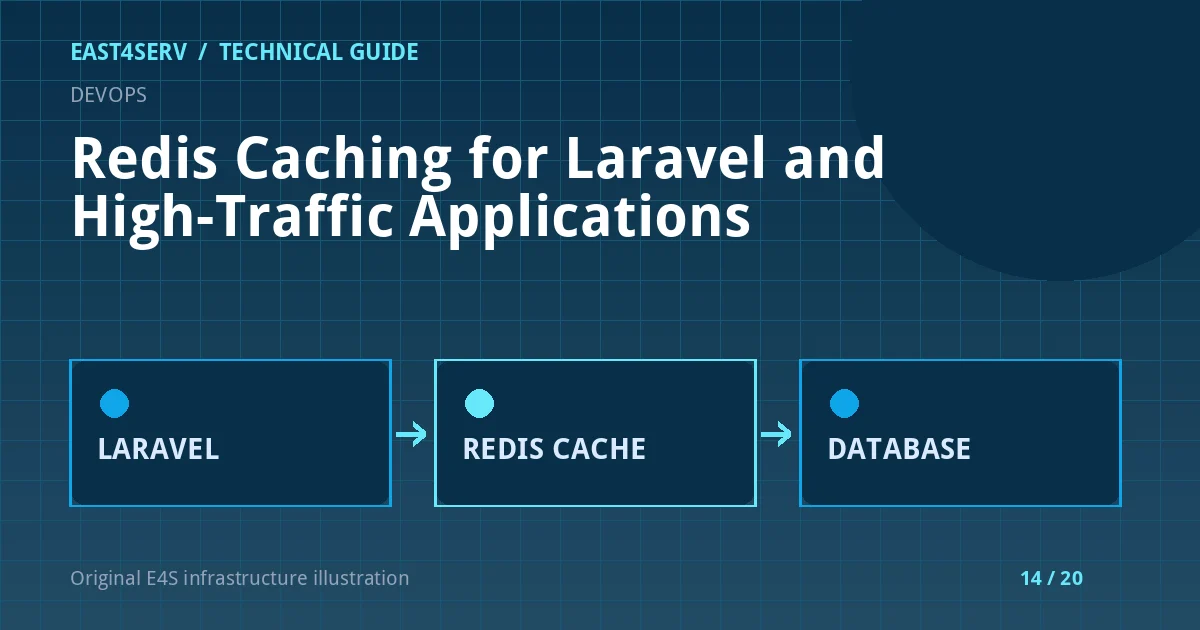
Cache-aside is a common pattern: try Redis first, compute or query on a miss, store the result with an expiry, then serve it. The application must still function correctly if the cache is unavailable or empty. Cache correctness comes before hit rate.
2. Define key scope, TTL, and invalidation
Use a key name that identifies its owner and version, such as client:123:dashboard:v2. This is an example, not a key to copy into a different tenant model. Select a TTL based on data freshness needs and refresh cost. For price, stock, permissions, or billing, explicit invalidation and transactional consistency may be more important than a short TTL.
Laravel's cache abstraction can express the pattern. This PHP example demonstrates intent, not a drop-in controller:
$summary = Cache::remember(
    'client:'.$client->id.':summary:v2',
    now()->addMinutes(5),
    fn () => $service->summaryFor($client)
);
The service must enforce authorization before data is retrieved or cached, and the cache key must not allow a customer to read another customer's summary. Review whether serialization of the cached result includes secrets or personal data.
3. Keep Redis private and authenticate clients
Redis should listen on a private interface or Unix socket as appropriate, with network controls and authentication/ACLs. Do not expose it openly to the internet. Use a dedicated credential and least-privilege access where supported. Protect backups and logs; cached entries can contain sensitive data even if called “temporary.”
Check the live service without printing credentials. The examples below use local CLI access and do not modify data.
systemctl status redis-server --no-pager
redis-cli ping
redis-cli info memory
Your deployment might use a managed service, a different unit name, TLS, or authentication. A plain redis-cli ping may fail correctly if the server requires TLS/credentials; do not weaken security merely to make that command succeed.
4. Separate cache from queues and sessions where needed
Laravel can use Redis for cache, queues, and sessions. A memory eviction policy appropriate for disposable cache entries may be dangerous for sessions or queued jobs. If these functions share one Redis deployment, use separate logical or physical isolation according to operational risk, not only different key prefixes.
Monitor memory used, evictions, connection errors, latency, and persistence behavior. A cache miss storm can flood the database after Redis restarts. Add graceful degradation, request coalescing where useful, and capacity planning for the cold-cache state.
5. Measure before and after
Record response time, database query load, cache hit/miss rate, Redis memory, and error rate before changing the cache strategy. An apparent speedup in a small test may fail under production concurrency if many misses arrive simultaneously. Test expiration and invalidation, not only warm-cache reads.
Troubleshooting and common errors
- Customer sees another account's data: treat this as a security incident; inspect key scope, authorization, shared fragments, and CDN layers.
- Database load spikes after Redis restart: account for cold-cache behavior and backfill gradually.
- Sessions disappear under memory pressure: inspect eviction policy and workload isolation; session data is not disposable like a page fragment.
- Queue jobs are delayed: verify workers listen to the right Redis connection and queue names; a cache connection test alone is insufficient.
- Stale prices remain visible: fix invalidation at the source of truth instead of simply lowering TTL without evidence.
Security considerations
Avoid storing credentials, OTPs, or payment details in cache unless the design explicitly requires it and protects them. Do not put tenant data in a global unscoped key. Restrict Redis network access and commands to the application's needs. Audit cache-related incidents just as you would database incidents.
FAQ
Is Redis a replacement for the database?
Usually not for authoritative business records. Treat it as an acceleration or coordination layer unless your application explicitly designs for Redis durability and recovery.
Is a five-minute TTL always safe?
No. It depends on how fast the underlying data changes and the consequences of serving stale information.
Can I run FLUSHALL to clear stale data?
Not on a shared production instance. It can erase sessions, queues, or other applications' state. Use targeted invalidation with ownership checks.
Continue reading
See Laravel worker and scheduler operations for background jobs and investigating high CPU for performance symptoms. Contact East4Serv for a scoped caching design review.
References: Redis cache-aside guidance and Laravel cache documentation.