





On this page
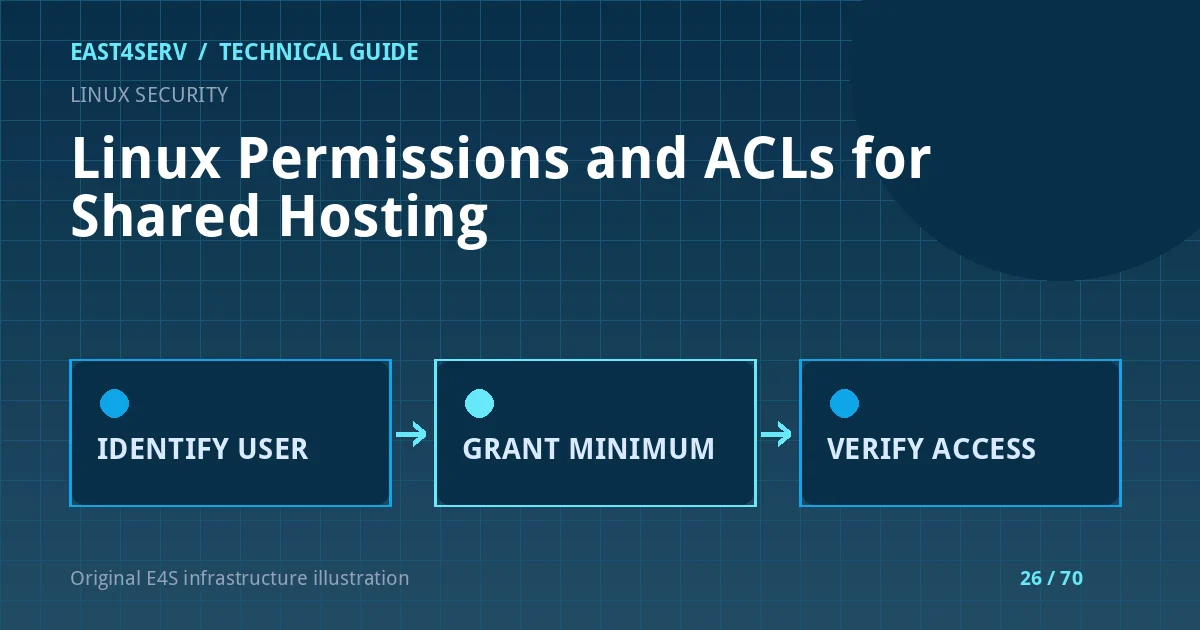
A shared hosting server gives several processes access to the same filesystem: a web worker, a deployment user, a backup process and sometimes separate customer accounts. The goal is to grant each process only the access it needs, without making application code writable by the web process. This guide uses standard Linux ownership, mode bits and POSIX ACL tools. Paths and account names are examples; identify the users and filesystem on your own host before changing anything.
Prerequisites and scope
Use a recent Ubuntu, Debian, AlmaLinux or Rocky Linux host with the getfacl and setfacl utilities installed. You need administrative access and a tested backup of the affected site. Check the service account that actually runs PHP or the web server; it may be www-data, apache, a per-site pool user or a container identity. Record the current owner, group and ACL before making a change. On NFS or other network filesystems, verify that the server's permission model supports the ACL behavior you expect.
id deployer
namei -l /srv/sites/example/current/public/index.php
stat -c '%A %U:%G %n' /srv/sites/example/current
getfacl -p /srv/sites/example/current
namei reveals permissions on every parent directory. A readable file is still inaccessible if the service account cannot traverse one of its parent directories. The example path is illustrative; do not paste it into a live host without replacing it.
Establish a simple ownership model
Keep deployable source owned by a deployment identity. Grant the application service read and traverse access to code, and write access only to explicit runtime directories such as cache and uploads. A group shared with the web process can be appropriate when the deployment pipeline controls group membership. Avoid making an entire document root writable to make one cache directory work.
Before changing modes, list what must be mutable. Many frameworks need only a small set of writable directories. A static site may need none. Consider release directories and symlinks: permissions on the target release, not only the symlink, determine access. Treat customer uploads separately from executable application code. Disable execution of uploaded scripts in the web-server configuration as another boundary.
The following is a review example, not a production command sequence:
getfacl -R -p /srv/sites/example/current > /root/example-acl-before.txt
find /srv/sites/example/current -maxdepth 2 -type d -printf '%m %u:%g %p\n'
The ACL export contains file paths and possibly customer names; store it privately. A recursive ACL change on a large tree can be slow and can alter access for unrelated sites. Apply the smallest necessary change to a single directory and test it before expanding scope.
Use ACLs only when mode bits are insufficient
An ACL can grant a named deployment or service user access without broadening other permissions. For example, after verifying the target directory, an administrator could grant a web-service identity read and traverse access to one directory with setfacl -m u:site-web:rx /path. A default ACL on a directory can influence newly created children, but it does not rewrite existing files and may interact with the creator's mode and umask. Test newly created files as the actual deployment identity.
getfacl -p /srv/sites/example/current/public
getfacl -p /srv/sites/example/current/storage
Read the mask:: entry and the #effective: comments. The mask can limit a named user's apparent ACL rights. If a process still receives permission denied after an ACL change, check the mask and every directory in the path before granting broader rights. The Linux getfacl manual explains this effective-rights behavior; the setfacl manual documents modify and restore operations.
Validate from the service identity
Verify access with the same account used by the production process, using a harmless read or a disposable file in an approved test directory. Avoid writing a test file into the live code tree. Check web and application logs after a deployment. A successful stat as root proves little about the service account's rights.
If access breaks, restore the saved ACL from a known-good export using the documented setfacl --restore procedure after reviewing the affected paths. Restore ownership and mode bits separately if those changed. Do not run recursive chmod 777; it grants unnecessary write access and conceals the actual identity mismatch.
Troubleshooting and security checks
Permission denied can also come from SELinux, AppArmor, read-only mounts, container mappings or a web-server deny rule. Inspect those controls before changing Unix permissions. On SELinux-enabled hosts, a correct ACL does not override a denied security context. On shared hosting, verify that one tenant's service account cannot read another tenant's private files. A backup job may require read-only access to more paths than the web worker, but should not inherit permission to modify application code.
FAQ: Should uploads be owned by the web process? Only where the upload design requires it; keep uploads in a dedicated directory and serve them through controlled routes or safe static rules. FAQ: Do ACLs replace service isolation? No. Separate identities, PHP-FPM pools, filesystem boundaries and upload policy still matter. Expected result: the application reads its code, writes only approved runtime paths, and other tenant identities remain unable to access the site.
Related reading: Ubuntu server hardening and Linux backup planning. East4Serv's server management service can review a proposed permission model before it is applied.
Primary references: https://man7.org/linux/man-pages/man1/getfacl.1.html and https://man7.org/linux/man-pages/man1/setfacl.1.html.