





On this page
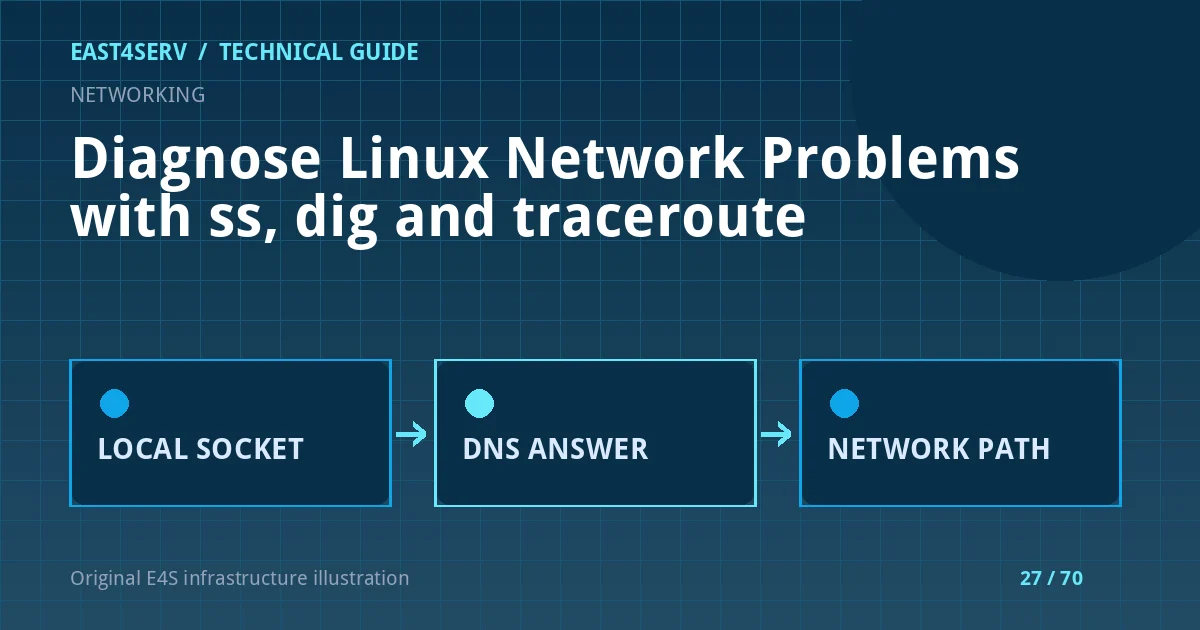
“The website is down” does not yet identify whether the failure is DNS, a missing listener, firewall policy, a routing problem or an unhealthy application. Three tools answer different questions: ss shows local sockets, dig asks DNS questions, and traceroute samples a path through the network. Use them in that order only when the symptoms warrant it. This guide uses read-only examples for recent Linux distributions; package names and installed tools vary.
Prerequisites and a safe baseline
Record the affected hostname, port, source network and time. Ask whether the problem affects one user, one region or everyone. Run diagnostics from the affected client and the server when possible; a server-side test alone cannot reproduce a client-side resolver or path failure. Avoid logging customer IPs or internal hostnames into public tickets. Prefer a maintenance window before any firewall or route change. None of the diagnostic commands below changes network configuration.
date -u
ip address show
ip route get 1.1.1.1
ss -ltn
ip route get shows the kernel's route selection for that destination. It is not proof that traffic reaches the destination. ss -ltn shows listening TCP sockets without resolving names; a port bound only to 127.0.0.1 is not directly reachable on the external interface, although a local reverse proxy may intentionally use that arrangement.
Check the local listener and application boundary
Compare the expected port with the actual listener. A reverse proxy may listen on 443 while forwarding to a Unix socket or private TCP port. If no listener exists, inspect the unit and application logs rather than changing firewall rules first. If the listener exists, test it through the supported local health endpoint and then through the public hostname. A successful TCP connection still does not prove a healthy HTTP response.
ss -ltnp
systemctl status nginx --no-pager
journalctl -u nginx --since '15 minutes ago' --no-pager
The process column of ss -p can require elevated privileges. The service name above is an example; use the actual service found on your host. When the application listens through PHP-FPM or another backend, inspect that service separately. Read the status and error messages; do not blindly restart every unit during an incident.
Resolve DNS deliberately
Ask the configured resolver for the address and compare it with the intended record. Query A and AAAA separately. An IPv6 record pointing to an unreachable endpoint can explain why some clients fail while IPv4 users succeed. An authoritative query and a recursive query answer different questions. DNS TTL and cache behavior can delay visibility after a legitimate change; do not assume a stale response means the current authoritative zone is wrong.
dig example.com A +noall +answer
dig example.com AAAA +noall +answer
dig example.com NS +noall +answer
Replace example.com with a domain you administer or are authorized to troubleshoot. A dig +trace can help locate a delegation problem, but it is not an exact simulation of every client's recursive resolver. Do not expose private DNS records in a public incident report.
Examine the path without over-interpreting it
traceroute sends probes with increasing time-to-live values. Missing or slow responses from intermediate routers are common because those routers may deprioritize probes. Treat the final destination and independent application checks as more useful than a single * midway through the path. Check whether the incident is limited to one ISP or network before concluding that an upstream carrier is at fault.
traceroute example.com
The tool may not be installed by default. Ask the network operator before installing packages on a locked-down production host. An alternative path test from a second authorized network can separate local routing issues from server-side outages. Keep timestamps and both source locations so another engineer can reproduce the comparison.
Correlate layers and choose the next action
If DNS points to the wrong address, review the zone, registrar delegation and recent changes. If DNS is correct but no listener exists, inspect service startup and application dependencies. If a listener exists but remote access fails, review firewall rules, security groups and proxy configuration. If TCP works but HTTP returns 502, inspect reverse-proxy and backend health. Change only the layer supported by evidence, and record the rollback before touching production routing or firewall policy.
Common error: a local curl against localhost works, yet public users fail. This tests a different hostname, certificate, network path and possibly a different virtual host. FAQ: Does traceroute prove packet loss? No; compare repeated end-to-end tests and application responses. FAQ: Does an open port mean the service is healthy? No; the application may still return an error or serve the wrong tenant. Expected result: you can name the failing boundary and give the next operator a timestamped, reproducible finding.
Related reading: Nginx 502 and PHP-FPM troubleshooting and Linux server health monitoring. East4Serv can help with managed infrastructure diagnosis.
Primary references: https://www.man7.org/linux/man-pages/man8/ss.8.html, https://man7.org/linux/man-pages/man8/ip-route.8.html, https://manpages.debian.org/testing/dnsutils/dig.1.en.html and https://man7.org/linux/man-pages/man8/traceroute.8.html.