





On this page
Kubernetes can schedule containerized workloads across multiple nodes, but installing it on VPS servers does not automatically make an application highly available. A resilient design needs a stable control plane, reliable node networking, persistent storage, load balancing, backups, and an operations team able to diagnose failures. For one small application on one host, Docker Compose may be simpler.
This guide explains the architecture and a first illustrative Deployment on an existing, authorized Kubernetes cluster. It is not a step-by-step cluster bootstrap because distributions differ significantly. Do not apply manifests to a production cluster until namespace, quotas, image provenance, and security policy have been reviewed.
1. Map the cluster components
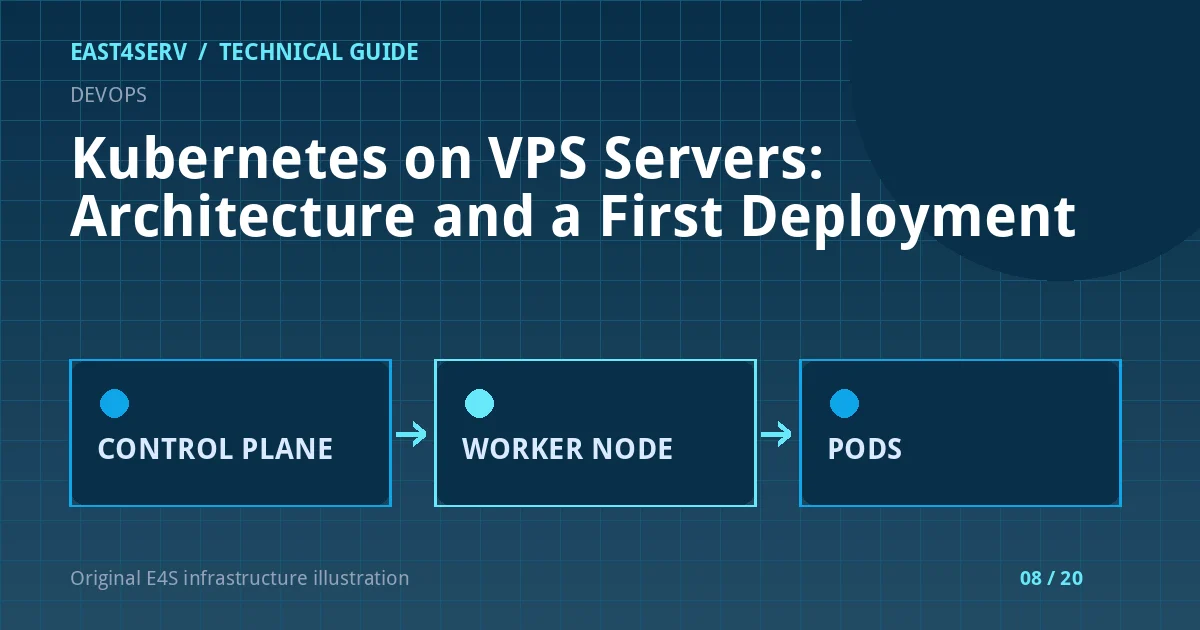
The control plane contains the API server, scheduler, and controllers. Worker nodes run the kubelet, a container runtime, and networking components. A Pod is the smallest deployable unit; a Deployment manages replicas, while a Service provides a stable endpoint for those Pods. On VPS infrastructure, you must also plan where traffic enters and where persistent data lives.
Use at least one worker node for the first learning cluster. For production availability, assess multiple control-plane members, multiple workers across failure domains, redundant networking, and recoverable storage. Two Pods on one VPS do not survive that VPS failing.
2. Confirm access and capacity before deploying
Check which cluster and namespace kubectl currently targets. Accidentally applying a tutorial manifest to the production context is a real operational risk.
kubectl config current-context
kubectl get nodes -o wide
kubectl get namespaces
Do not paste kubeconfig files or service-account tokens into support tickets. Confirm CPU/memory capacity, ingress controller, container registry access, and network policy before adding a workload. Establish quotas so one deployment cannot consume all node resources.
3. Apply a small Deployment
This manifest is a teaching example using a placeholder image. Replace it with a reviewed immutable image digest, a real readiness route, resource requests/limits, and your organization's security context. The example intentionally exposes no public endpoint.
apiVersion: apps/v1
kind: Deployment
metadata:
  name: example-web
  namespace: example
spec:
  replicas: 2
  selector:
    matchLabels:
      app: example-web
  template:
    metadata:
      labels:
        app: example-web
    spec:
      containers:
        - name: web
          image: registry.example.com/example/web@sha256:REPLACE_WITH_REAL_DIGEST
          ports:
            - containerPort: 8080
          readinessProbe:
            httpGet:
              path: /health
              port: 8080
The sha256 text above is not a usable digest. A readiness probe prevents the Service from sending traffic until the container can answer that check. A liveness probe, if added, should detect irrecoverable failure without restarting slow but healthy startup work. Resource requests affect scheduling, so add them based on measurements.
4. Add an internal Service
After the Deployment exists, a ClusterIP Service can route to Pods with the matching label. It is internal to the cluster until an ingress or load balancer exposes it.
apiVersion: v1
kind: Service
metadata:
  name: example-web
  namespace: example
spec:
  selector:
    app: example-web
  ports:
    - port: 80
      targetPort: 8080
Apply the files only to the correct context and namespace. Then inspect rollout and endpoints:
kubectl -n example get deployment,pods,service
kubectl -n example rollout status deployment/example-web
kubectl -n example describe service/example-web
If no endpoints appear, compare labels, readiness results, container port, and application logs. Do not immediately expose the Service publicly to test it.
5. Plan persistent state and operations
Database data should not live only in a Pod's ephemeral filesystem. Choose a storage class and backup approach with a tested restore path, or use an external database. Decide how secrets are delivered, rotated, and protected in etcd; Kubernetes Secrets are not automatically a complete secrets-management solution.
Monitor node readiness, Pod restarts, CPU/memory pressure, network errors, storage health, and deployment progress. Record who may deploy, who may view logs, and who may access cluster-admin credentials.
Troubleshooting and common errors
- Pods Pending: inspect node capacity, taints, affinity, image pulls, and PVC binding.
- Service has no endpoints: check selector labels and readiness probes.
- Pod repeatedly restarts: inspect logs and events; distinguish liveness failure from application crash.
- Two replicas fail together: inspect shared node, database, storage, DNS, or deployment error.
- Ingress returns 502: test the Service and Pod endpoints before changing public routing.
Security considerations
Use RBAC, scoped namespaces, reviewed images, restricted network access, and minimal container privileges. Protect kubeconfig and control-plane backups. Do not expose the API server to the internet without a deliberate access policy. Tenant isolation requires more than separate namespace names; verify authorization and network boundaries.
FAQ
Is two replicas equal to high availability?
No. If both replicas share one VPS or one storage dependency, they can fail together.
Should I run the database inside Kubernetes?
It is possible, but the storage, backup, restore, and failover requirements must be designed explicitly. An external database can be simpler for some teams.
Is Kubernetes the right choice for one VPS?
Often a simpler deployment is easier to operate. Choose Kubernetes when its scheduling and operations model solve a real requirement your team can support.
Continue reading
For a single-host alternative, see Docker Compose in production. For traffic resilience, read HAProxy health checks. Contact East4Serv for a workload-specific architecture review.
References: Kubernetes cluster architecture, Deployments, and Services.