





On this page
Docker Compose is useful when a production workload fits on one host and the team wants a reproducible definition of its services, networks, and volumes. It is not an orchestrator for automatic cross-host failover. A successful docker compose up also does not prove that backups, secrets, health checks, or deployment rollback work.
The examples assume a recent Docker Engine and Compose plugin on a Linux host. They are illustrative: replace image names, ports, paths, and environment variables with reviewed values. Follow the official Compose production guidance for the version you run. Changes to Compose can recreate containers and interrupt traffic; test in staging and plan a rollback.
1. Map services and persistent state first
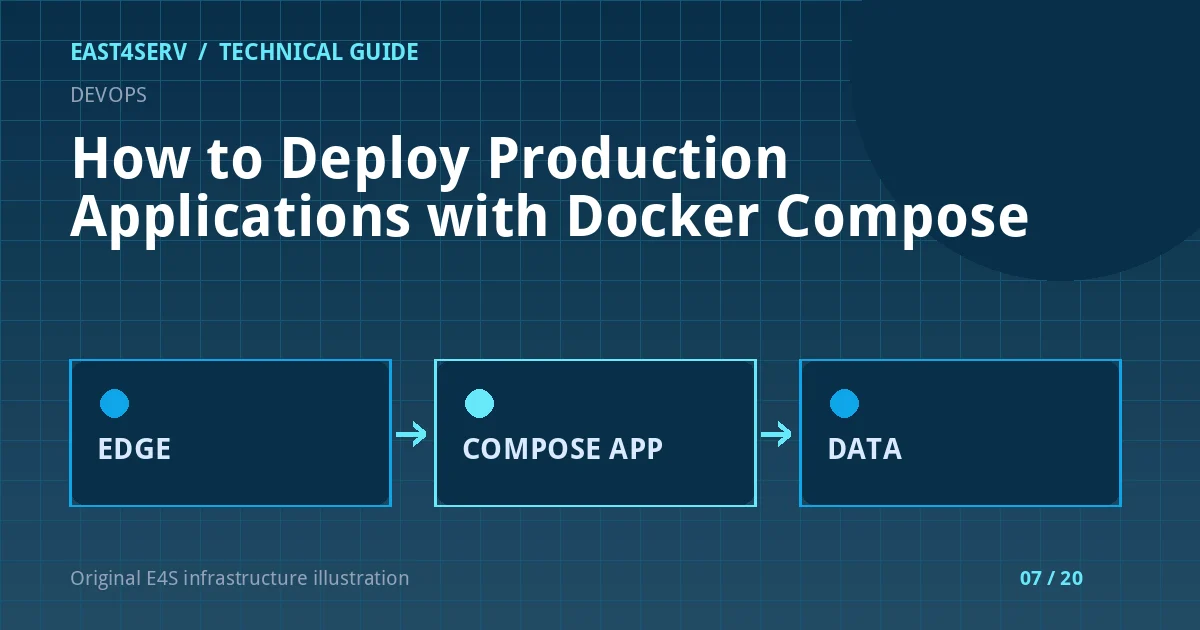
Draw the request path before writing YAML: internet → reverse proxy → application → database/cache. Identify what must survive container replacement. Database files belong in a managed persistent volume or external database, not in the container's writable layer. Decide how the host is backed up and how restored data will be tested.
Keep the app image version pinned to a release identifier or digest that you can roll back. Avoid a floating latest tag in a controlled deployment because it does not identify the code being restored.
2. Separate production settings from local development
Compose supports multiple files. A base compose.yaml can describe the topology, while compose.production.yaml changes restart policy, ports, or resource settings. This small example is not a full production file: it illustrates the separation and a private application port.
services:
  app:
    image: registry.example.com/team/app:2026-10-01
    restart: unless-stopped
    expose:
      - "8080"
    healthcheck:
      test: ["CMD", "curl", "-f", "http://127.0.0.1:8080/health"]
      interval: 30s
      timeout: 5s
      retries: 3
The image must actually contain curl for that health check. If it does not, use a command available in the image or supply a purpose-built probe. expose documents container-network availability; it does not publish port 8080 to the host. Place a reverse proxy on the same private Compose network or use a reviewed host binding.
3. Protect secrets and runtime configuration
Never bake passwords or API tokens into the image or commit them to the Compose file. Prefer a secrets mechanism appropriate to the deployment and restrict the files that supply secrets to the service account. Environment variables can be visible through process inspection or diagnostic dumps, so treat them as sensitive.
docker compose -f compose.yaml -f compose.production.yaml config --quiet
docker compose -f compose.yaml -f compose.production.yaml ps
config --quiet validates the merged definition without printing substituted secrets. Avoid printing the full merged configuration into public CI logs. Docker's Compose secrets reference explains service-level access to named secrets.
4. Deploy a reviewed image and verify health
Pull or build the approved image, then recreate only the service that changed. On a single-node host this can still cause a short interruption, especially if the app needs migrations or warmup. Make database migrations separately reviewable; some schema changes are not backward compatible with the old image.
docker compose -f compose.yaml -f compose.production.yaml pull app
docker compose -f compose.yaml -f compose.production.yaml up -d --no-deps app
docker compose -f compose.yaml -f compose.production.yaml ps
docker compose -f compose.yaml -f compose.production.yaml logs --tail=100 app
Compare the public health endpoint and a representative authenticated workflow with the pre-deployment baseline. A health probe that only returns HTTP 200 while the database is unavailable is too shallow for a stateful service. Record the release image, deployment time, operator, and rollback path.
5. Plan for host failure, not only container failure
restart: unless-stopped can restart a failed container on the same host. It cannot restore a failed disk or move the workload to another server. Monitor both container health and host capacity: CPU, memory, disk, inode use, network, and the state of the Docker daemon. Back up volumes or data stores consistently and perform a restore test on a separate system.
Troubleshooting and common errors
- Container healthy but public site fails: check reverse-proxy routing, published ports, DNS, TLS, and the app's own authorization flow.
- Database volume vanished after recreate: inspect volume names and the effective Compose project name. Do not run
down -von production without an explicit data-loss review. - Health check always fails: run the probe command inside the image and verify the endpoint, dependencies, and timeout.
- New image fails after migration: determine whether the schema is backward compatible before rolling back the image.
- Disk fills with images or logs: inspect storage use and retention; do not prune volumes blindly.
Security considerations
Treat Docker socket access as highly privileged. Run only reviewed images, minimize capabilities, and avoid exposing management APIs publicly. Use least-privilege service accounts and keep the host patched. A private Compose network is not a substitute for application authentication or secret management.
FAQ
Is Docker Compose production ready?
It can support a well-operated single-host service. Its availability boundary is the host; multi-host scheduling, failover, and rolling deployments need additional architecture.
Should the application database run in the same Compose project?
That depends on your recovery objectives and operations model. An external managed database can simplify host replacement, while a local database requires especially careful backup and restore planning.
Does a health check restart an unhealthy container automatically?
A Docker health check reports health state. The restart policy responds to process exit, not every unhealthy status; add monitoring and an appropriate remediation workflow.
Continue reading
For larger multi-node workloads, read Kubernetes architecture on VPS servers. For stateful services, review Linux backup and disaster recovery. Contact East4Serv if you need help designing a deployment and rollback path.
References: Docker Compose in production, Compose secrets, and Docker rootless mode.