See status together with its evidence
E4S brings registered servers, websites, and services into workspace-scoped views. A current status is useful only alongside the last completed check, its history, and any missing signals. Server data depends on the installed agent and its capabilities; website checks depend on the registered target and configured interval.
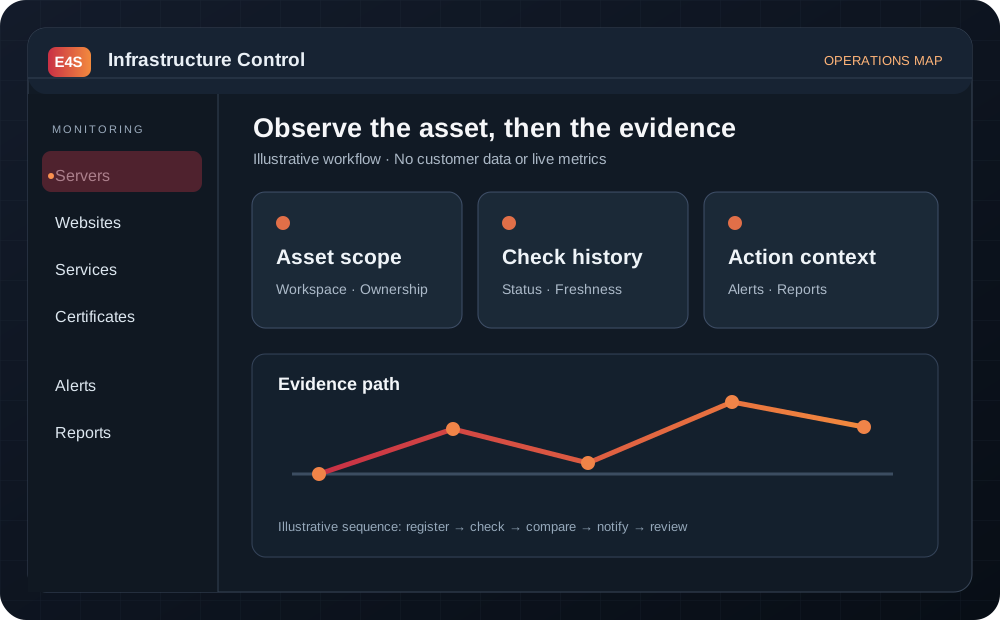
Illustrative workflow; no customer telemetry is shown.
A practical review sequence
- Confirm the active workspace and asset identity.
- Check collection freshness and the type of check that produced the status.
- Compare the current result with earlier observations.
- Inspect related services, certificate state, or agent availability.
- Use the relevant notification and report history before escalation.
Explore servers, websites, and services.
Monitoring as an operating workflow
Start with a registered asset and a clear owner. Confirm the first successful collection, set an appropriate check interval and alert recipient, and document which signals the plan actually includes. A dashboard is then a place to investigate an event, not a replacement for someone responsible for response.
Choose the right evidence
- Server signals help investigate resource pressure and agent connectivity.
- Website checks show HTTP response and TLS context for public targets.
- Service state connects a process or dependency to its host where supported.
- Scoped reports preserve the time range, asset list and collection gaps for review.
When a sample is missing, the system should say coverage is unknown, not healthy. Free Monitoring has a bounded one-server, one-website allowance when entitlement and workspace provisioning are confirmed; it does not include terminal or remote commands. For a human response to incidents, agree a management scope separately.
Can I monitor a system I do not control? Only register assets that you own or are authorized to monitor. Ask about onboarding and alert ownership.