





On this page
A server baseline is a documented starting configuration that limits unnecessary access, records important events and makes security changes repeatable. It is not a magic checklist that fits every domain controller, IIS host or file server. This guide explains how to plan and test a role-aware Windows Server baseline. The examples are read-only PowerShell inspections for currently supported Windows Server editions; apply settings only after checking the exact release and your organization's policy.
Prerequisites and scope
Inventory the server version, role, domain membership, installed applications and management path. Identify whether Group Policy, an endpoint-management tool or local policy is authoritative. Obtain console or out-of-band access before changing remote access or firewall rules. Back up Group Policy objects and the system or VM through a tested method. A snapshot is not a substitute for an application-consistent backup, especially for domain controllers and databases.
Get-ComputerInfo | Select-Object WindowsProductName, WindowsVersion, OsBuildNumber
Get-WindowsFeature | Where-Object InstallState -eq 'Installed' | Select-Object Name
Get-Service | Where-Object Status -eq 'Running' | Select-Object -First 20 Name, DisplayName
Get-WindowsFeature is available on Windows Server with its management module. Run these commands in an authorized administrative session. Record output in a protected change record rather than publishing hostnames and installed security products.
Start from a supported vendor baseline
Microsoft's Security Compliance Toolkit includes Windows Server baselines and policy-analysis tools. Windows Server 2025 also has OSConfig baseline capabilities; do not assume those apply to earlier releases. Download the baseline matching the installed version and compare it with the current policy before enforcement. Review each difference against the server's role. A policy that suits a member web server may disrupt a domain controller or a legacy application.
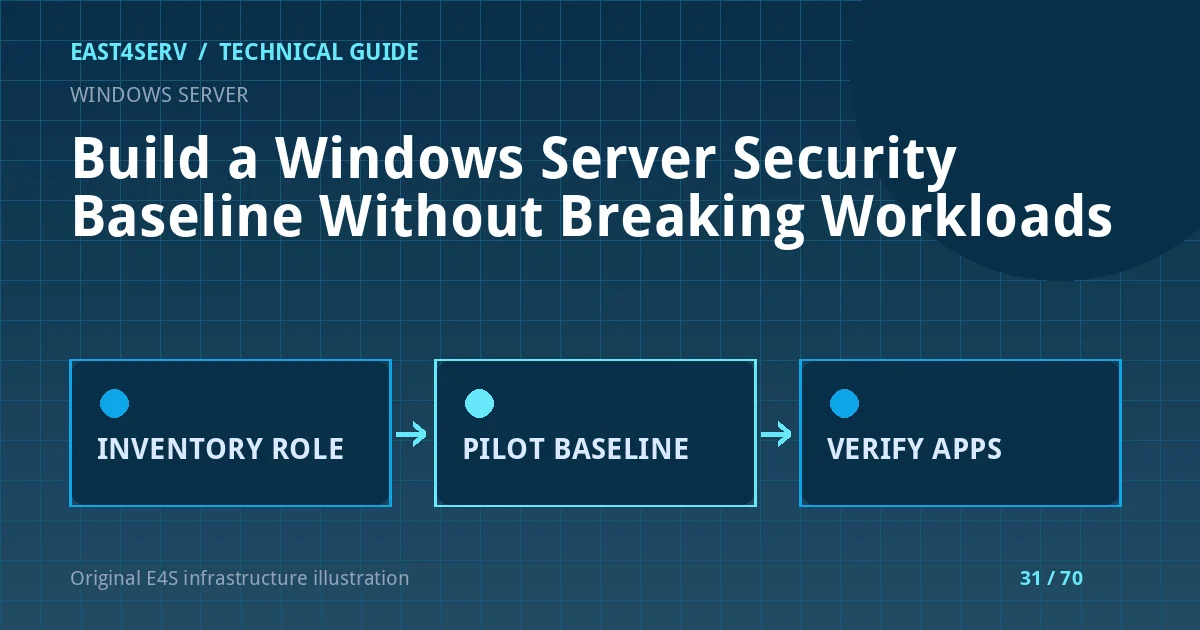
Treat vendor recommendations as a proposal for testing, not proof of compliance. Record exceptions with a business owner, technical reason, expiry and compensating controls. Apply changes first in an isolated or staging system with the same roles and critical application paths. Test login, remote administration, backups, scheduled jobs and customer-facing flows before broader rollout.
Protect identity and administration
Use named administrator accounts and least privilege. Restrict interactive and remote logon to authorized groups. Prefer multi-factor authentication at the administrative access gateway where supported. Avoid sharing a local Administrator password across hosts; use a supported local administrator password management approach. Review service accounts and their actual rights, especially accounts with domain or local administrative privileges. Do not remove a service account from a group without first identifying the dependency.
Get-LocalGroupMember -Group 'Administrators'
Get-NetFirewallProfile | Select-Object Name, Enabled, DefaultInboundAction
Get-MpComputerStatus | Select-Object AMServiceEnabled, RealTimeProtectionEnabled
The Microsoft Defender command may be unavailable or irrelevant where another approved endpoint-protection product is used. An enabled setting is only one signal; verify health, updates, exclusions and alert delivery through the actual security tool. Firewall rules should limit exposure based on source network and role, not simply disable the firewall to make an application work.
Patch, log and back up
Document who approves updates, maintenance windows, reboot coordination and application validation. Keep logs needed for security and incident response, with restricted access and a retention policy. Collect relevant Windows event channels centrally where possible, but avoid sending secrets or private customer content. Test a restore into an isolated environment and confirm that applications, not just the operating system, function after recovery.
Check that a baseline change has not stopped backup agents, monitoring agents, certificate renewal or web application pools. Use a small pilot group before applying Group Policy broadly. Record the exact policy version and rollback path. If a control blocks a legitimate workflow, make a narrow documented exception rather than turning off the entire baseline.
Troubleshooting and validation
Compare pre-change and post-change effective policy and event logs. A setting displayed in a GPO does not necessarily mean it won precedence on the server. If remote access fails, use the prearranged console route and revert the specific change. If an application breaks, correlate its event timestamp with policy application and service logs before blaming the baseline. Re-run the customer workflow and monitor for delayed failures after scheduled jobs execute.
FAQ: Is a baseline a security certification? No; it is a measurable configuration foundation. FAQ: Should every recommended setting be enforced unchanged? No; role and application dependencies require testing. Expected result: the team has a versioned, role-aware policy, evidence of effective settings, a tested rollback and functioning business services.
Related reading: Linux hardening and server recovery runbooks. East4Serv offers managed server operations to review a practical hardening plan.
Primary references: https://learn.microsoft.com/windows/security/operating-system-security/device-management/windows-security-configuration-framework/security-compliance-toolkit-10 and https://learn.microsoft.com/windows-server/security/osconfig/osconfig-how-to-configure-security-baselines.