





On this page
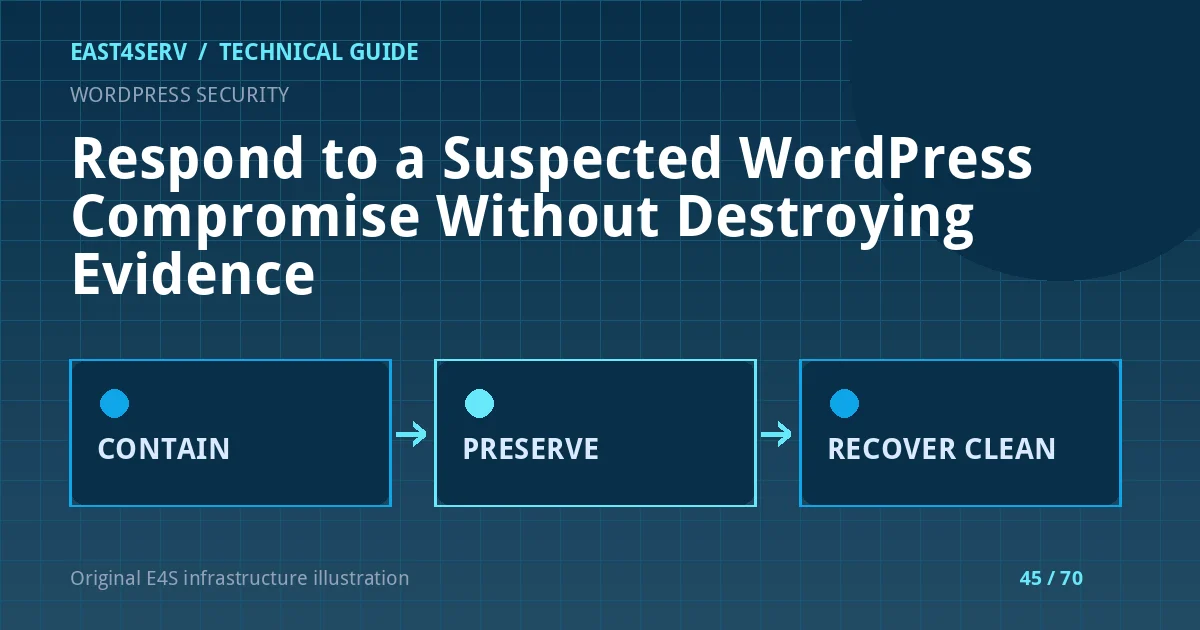
A hacked WordPress site may redirect visitors, create unauthorized administrators, send spam or serve malicious downloads. The first response should protect visitors and preserve evidence, then determine how the attacker entered and what data might be affected. Reinstalling one plugin or deleting a suspicious file without understanding the scope can leave access intact. This guide is a defensive incident workflow for a site you own or are authorized to manage; legal and notification decisions belong to the responsible organization.
Recognize and contain the incident
Record the first report, affected URLs, time and observed behavior. Capture a safe screenshot or request/response sample without executing downloaded content. Confirm whether the issue occurs for all users or only certain user agents or referrers; malicious redirects can be selective. If visitors are exposed, use a controlled maintenance page or isolate the affected route while retaining administrator access through a secure channel. Do not keep a compromised checkout open merely to avoid downtime.
Before changing files, preserve logs, a filesystem snapshot and a database backup in restricted storage. Document who collected the evidence and when. Do not publish the raw database or access logs; they may contain personal information. If the hosting provider is involved, ask it to preserve relevant logs and isolate the account rather than deleting it.
Inventory unauthorized changes
Compare current users, plugins, themes, scheduled tasks and deployment files with a known-good baseline. Look for new administrators, unexpected PHP files in uploads, modified entry points and strange outbound traffic. The presence of one suspicious file is not proof that it is the only persistence mechanism. Inspect the web server and PHP logs around the first known malicious request. If no trustworthy baseline exists, build an inventory and compare with a clean copy of the exact released software version.
The following WP-CLI commands are read-only examples when run from the correct site directory:
wp user list --fields=ID,user_login,roles,user_registered
wp plugin list --fields=name,status,version,update
wp cron event list --fields=hook,next_run_gmt,recurrence
Protect the output because usernames and plugin versions can aid an attacker. WP-CLI may run application code, so use a contained environment or trusted host when compromise is suspected. Do not execute an unknown PHP file to see “what it does” on production.
Establish scope and entry path
Check core, plugin and theme versions against supported releases and known advisories. Review administrator sign-ins, password reset events, file uploads, hosting account access and API credentials. A vulnerable plugin is one possible path; stolen credentials and hosting account compromise are others. Consider neighboring sites that share the same Unix user or document root. If the server itself is compromised, cleaning only WordPress is insufficient.
Assess whether customer data, payment metadata or private files were accessible. Do not claim “no data breach” from a clean homepage. Record the uncertainty and involve the organization's incident owner. Follow applicable notification and preservation obligations with qualified counsel where needed.
Recover from a trusted source
Use clean core, plugin and theme packages from official or trusted vendors, and restore application content from a known-good backup after assessing what legitimate changes occurred since the backup. Rotate WordPress administrator passwords, hosting credentials, database credentials and API tokens as appropriate, in an order that does not cut off the responder's only access. Reissue session salts and invalidate sessions through the documented process. Review database options, posts and injected script fields as well as files.
Perform recovery in an isolated environment first. Test the site, then deploy the clean release with a verified rollback. Do not restore an old backup that still contains the vulnerable plugin and immediately expose it again. Patch the entry path and narrow file write permissions. Disable PHP execution in upload directories where supported by the web-server architecture.
Verify and monitor after recovery
Check public pages, admin login, forms, redirects, search-engine warnings and outbound mail. Monitor file changes, suspicious sign-ins and access logs for recurrence. Confirm that security controls and backups work. Inform affected customers and partners according to the incident plan. Keep a timeline of evidence, decisions and final state; it will help explain what changed and what remains uncertain.
FAQ: Should I delete every file with an unfamiliar name? No; preserve evidence and compare against trusted releases first. FAQ: Will a security plugin alone fix a server-level compromise? No; the underlying access path must be addressed. Expected result: visitors are protected, evidence is retained, the site is rebuilt from trusted sources and the entry path is corrected.
Related reading: WordPress update and rollback and server recovery runbooks. East4Serv managed infrastructure service can help coordinate recovery and hardening within an agreed scope.
Primary references: https://wordpress.org/documentation/article/faq-my-site-was-hacked/ and https://wordpress.org/documentation/article/updating-wordpress/.